Scott Reagan Designs
Members
-
Joined
-
Last visited
Everything posted by Scott Reagan Designs
-
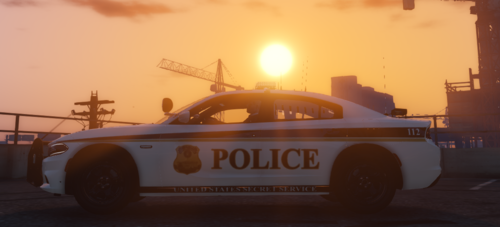 Thank you for the Pointers! It was just almost impossible to find a suitable FBI Badge to use. and the References I had for the FPS was a older model i assume because it didn't have that Badge on the Pillar. and the ICE is a Custom alteration because they only have it on armored vehicles, and some servers are lacking in SRT vehicles
- 2 comments
- 1 review
-
-
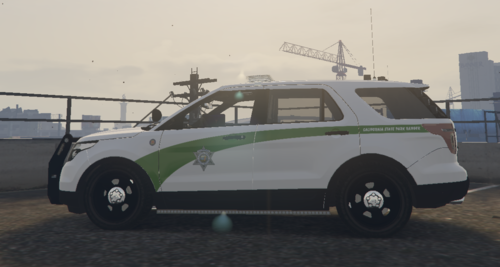 Well made pack with Crisp 4K Textures!
 -
This is my Department of Homeland Security Pack pack. The pack includes the following sub-departments in DHS: Customs and Border Protection Federal Federal Bureau of Investigation Police Federal Protective Service Immigration and Customs Enforcement Secret Service Uniformed Division Transportation Security Administration If you have any suggestions on what I should make next, please join my discord (My Discord link: https://discord.gg/azdKgvB ), also if you notice any flaws please let me know on my discord as well and then ill get them fixed. This pack includes skins for the vehicles below: 2011 CVPI 2014 CHARGER 2015 TAHOE 2016 FPI 2017 SILVERADO 2018 CHARGER 2018 RAM The models that I used in this pack:
- 2 comments
- 1 review
-
-

- 1
-