



nerdoron
Members
-
Joined
-
Last visited
Everything posted by nerdoron
-
-
So I started patrolling as a USAF Security Officer, and I want sometimes want to interact with soldiers, like perform a traffic stop on him via STP / Interaction+, or when there is a callout and one of the people involved / subjects is a soldier. Is there a way to do it? Thanks
-
I fixed the issue. I just recopied patchday22 from the update folder.
-
mhm EDIT: EUP installed via the OIV files regularry
-
Hey, I reinstalled my game, and now when I install the same packs the usual way, they just don't appear in game. any known issues?
-
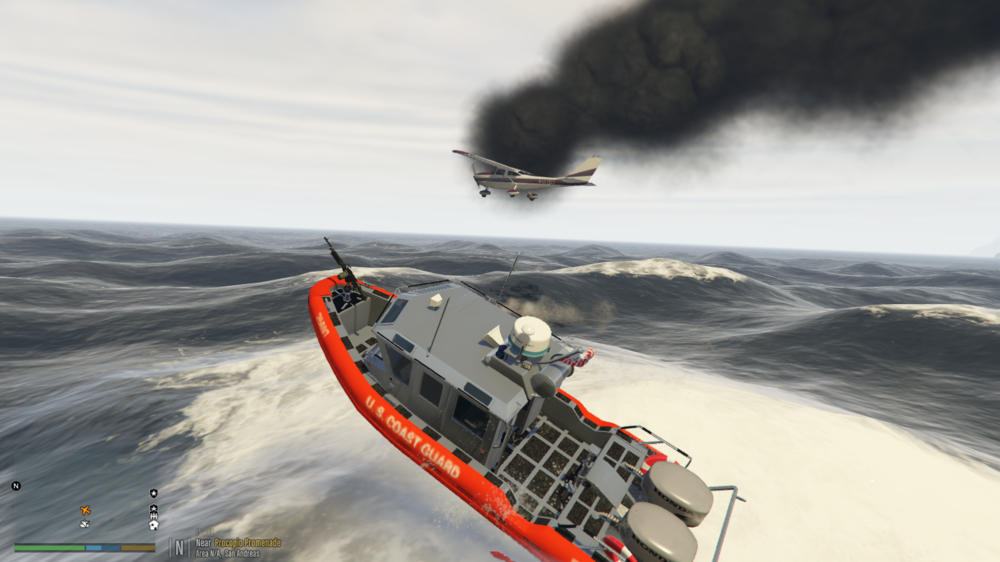
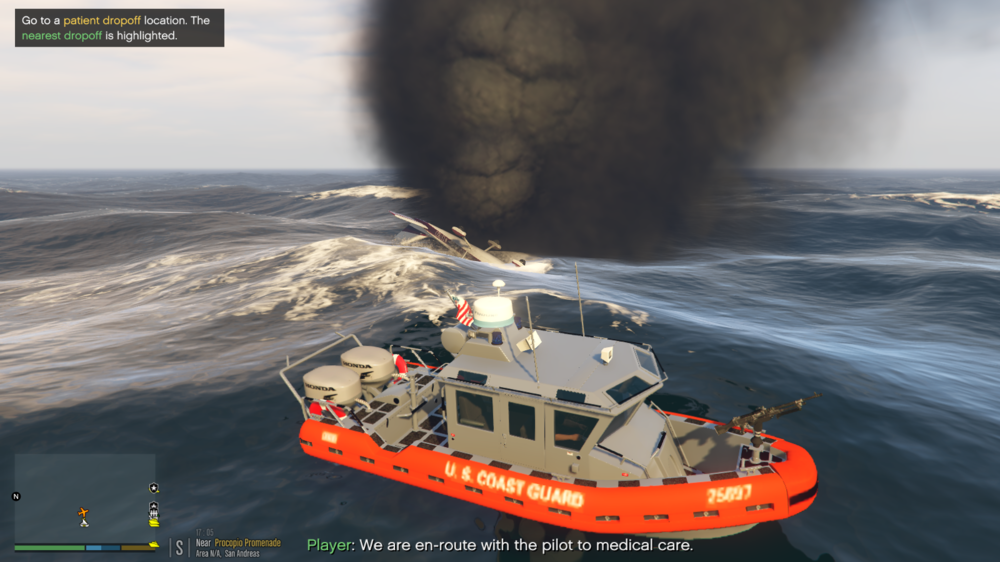
@PNWParksFan This is the best callout i've ever played. no doubt.
-
Alright, so with ultimate backup I'll just disable lights on code 2. Thanks
-
Hey, Whenever I ask for Code 2 backup, they come with sirens, how do I make it so they only come with lights? Happens both with UltimateBackup and default LSPDFR backup




