

Pippouz
Members
-
Joined
-
Last visited
Everything posted by Pippouz
-
I have the problem that every now and then a taxi passes, in the minimanna it is red and after a while a chase begins ... How can I go about resolving, it is very annoying
-
Ok thanks anyway
-
I tried, it crashes anyway
-
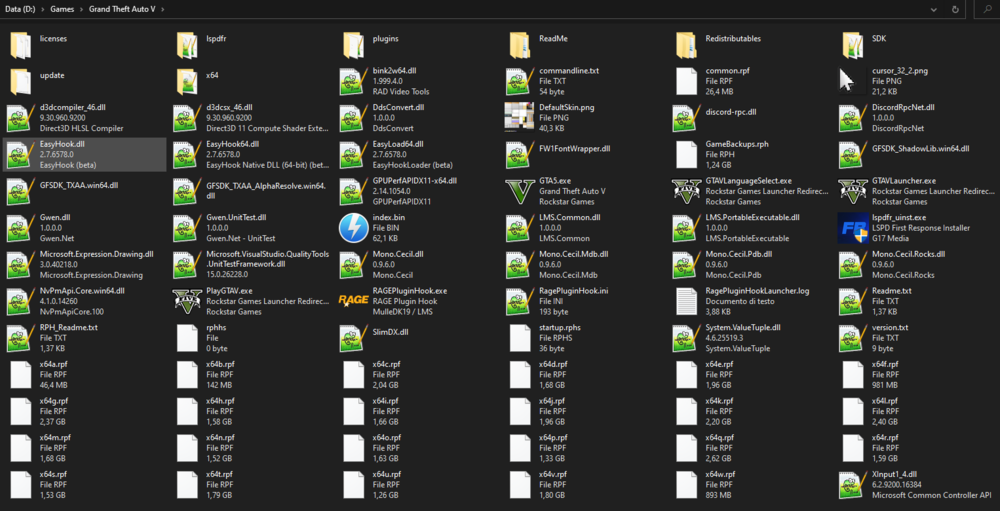
Sure
-
I just tried it and in any case after a few seconds it crashes, as if starting it directly from rage
-
When to start rage plugin hook, it alone starts the gta 5 instance. The black screen before loading starts and rage crashes
-
No, I only installed the lspdfr, but it doesn't crash when I try to load the plugins, it crashes when I try to start rage
-
It crashes anyway
-
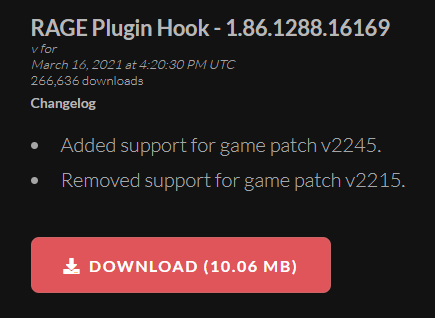
At first I used the one pre-inserted in the Lspdfr, then I went to the official site and tried with the latest version but it doesn't work anyway. I installed this:
-
I just installed the lspdfr with the .exe file (not manually) and when I start the rage plugin hook to load the plugins it crashes (I attach the .log file). When I start it it tells me that it is started as an administrator and to start it like this only if there are problems, if I go to the property but the check "start as administrator" is removed ... Anyone know how to fix? RagePluginHookLauncher.log
-
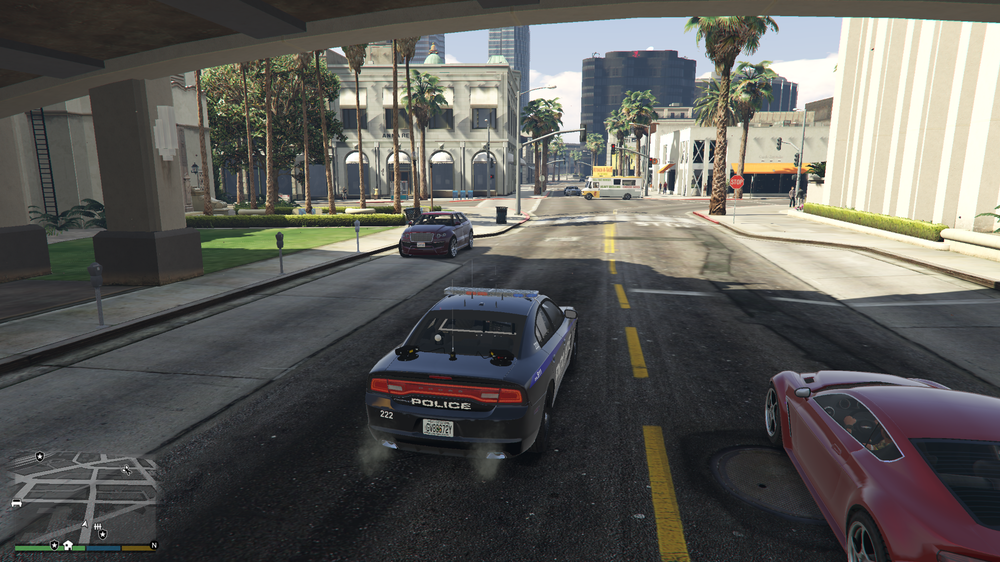
not knowing what to do I installed the ELS, installing a skin package: But the flashing lights now turn on, but they don't make the "light" they should, from the photo you understand better! looks like without animation, like in 2d .... Can you help me ????
-
I installed the mod correctly, but I can't turn on the flashing lights, the G key, the horn does not work, I don't know what to do anymore ....