
Scott Designs
Members
-
Joined
-
Last visited
Everything posted by Scott Designs
-
 I love the vehicle the only thing is i wish the back lights was toggleable
 -
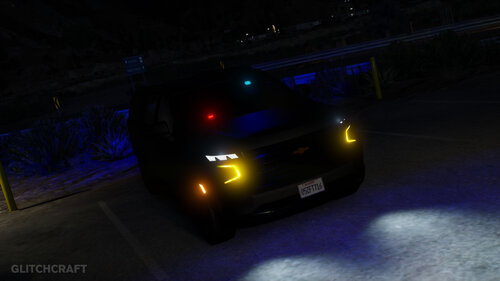 Is there away to make the back lights red and blue instead of blue and blue?
 -
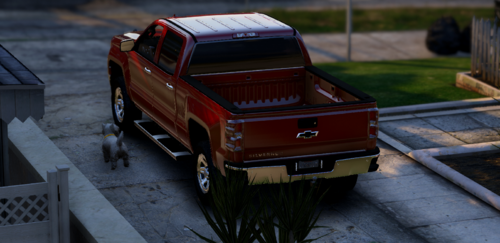 You should make a red and blue version also you can go through the truck
 -
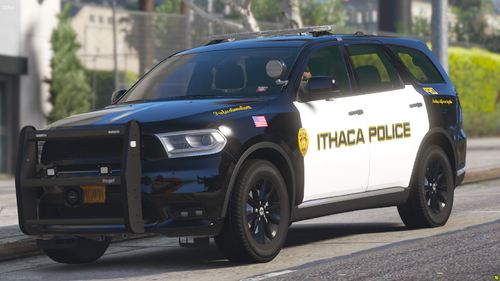 Damn i wish the front was red and blue instead of all red but nice release
 -
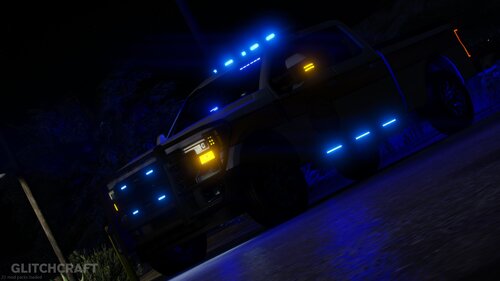 With fire equipment i think it would be a cool truck
 -
You should make a version without the guns and shield
-
.thumb.png.09bdb186284dc597f2311b257cea408a.png) Im having the same issue
Im having the same issue -
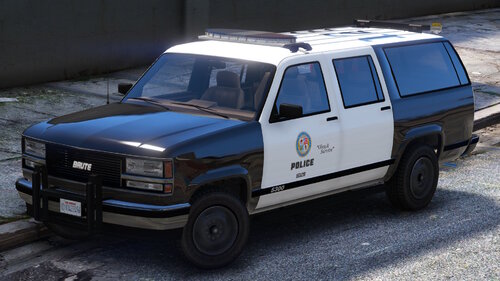 Is there a template?
 -
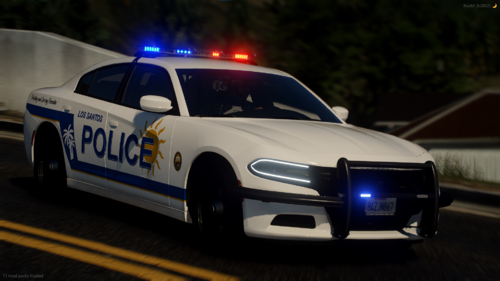 Is there any templates?
 -
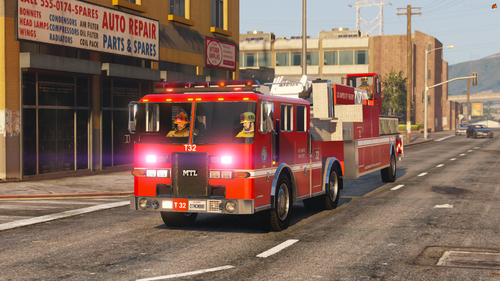 Can you use the ladder? or is it just for show
 -
-
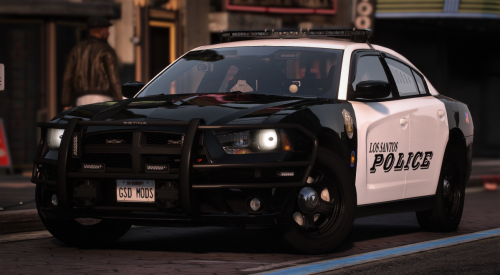 This is an problem with the back lights https://gyazo.com/5ea5f39095a0cda1d357f5b34c959b8c
 -
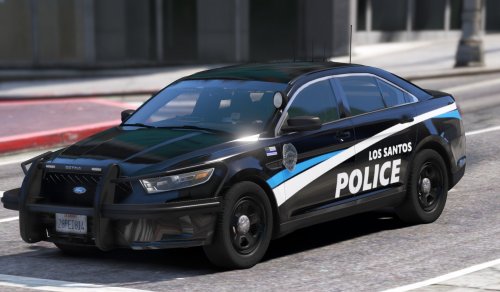 Hey the f150 does not work i checked the metas and its not in there
 -
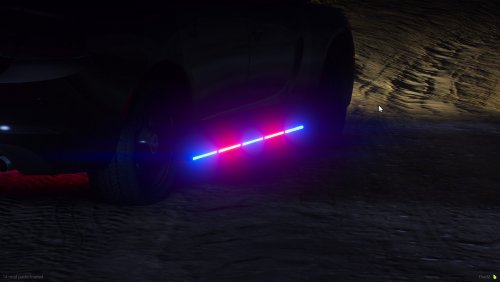 Why an psd );
 -
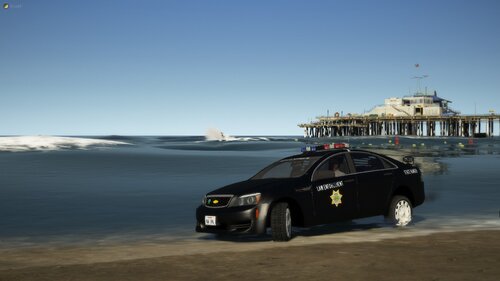 Is there any templates?
 -
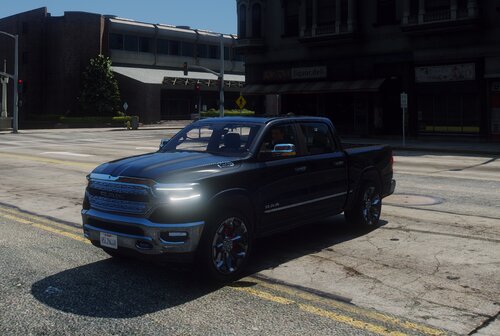 Will there be an tow hitch on it?
 -
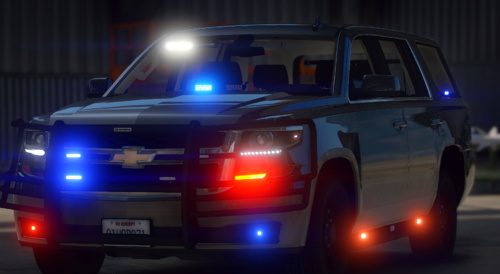 How do i fix it?
 -
Hey how do i fix this it shows amber on the front and left side
-
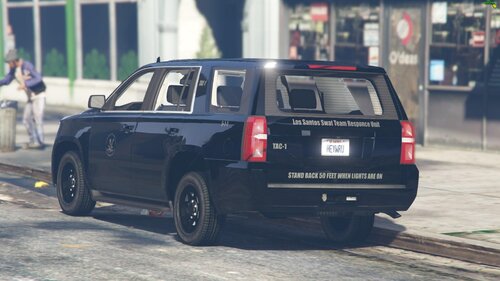 Thank you
 -
Ya
-
day i bring you my 2020 swat tahoe skin it includes an non ghosted skin and an ghosted skin I would recommend that you use MipMap Levels 1 to make the skin look the best it could
-
Why? it looked good
-
The back bar is not in the back
-
-
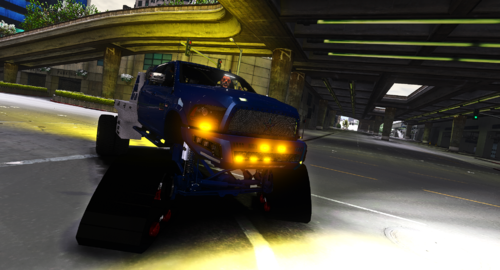 The interior is gone and the suspension is gone FiveM - Scott's Testing Server (gyazo.com) Also i would be cool if there was an hitch or gooseneck


.thumb.png.09bdb186284dc597f2311b257cea408a.png)