RM Designs
Members
-
Joined
-
Last visited
Everything posted by RM Designs
-
 Another banger by steve
 -
 Really clean pack, but the handling lines are really weird. They behave like sports cars. Turns are way too direct and PIT's dont really work without going almost sideways.
- 122 comments
- 19 reviews
-
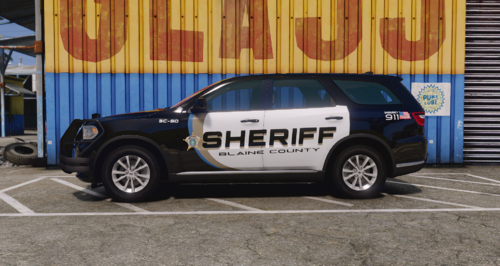 Hey great pack but I think you forgot to add the 14 Charger and 19 Durango Texture
 -
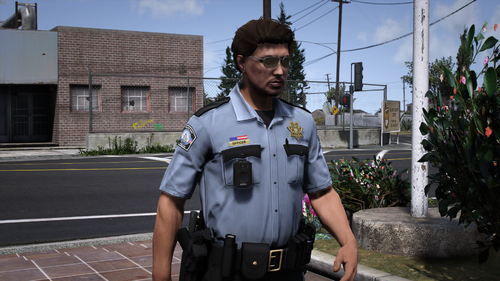 No installation guide nothing?
 -
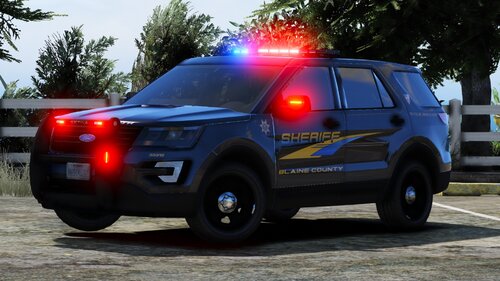 Where’s my credit for the Livery?
 -
-
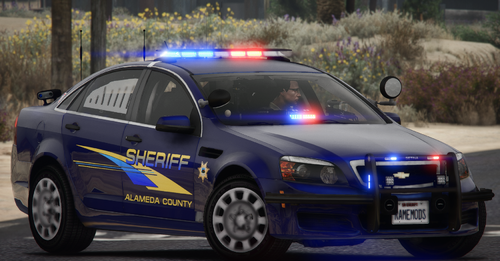 Livery has been changed to Kane's base now.
 -
-
-
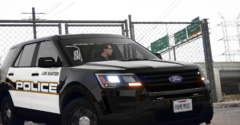
From the album: LSPD Pack [Pleasanton PD]
-
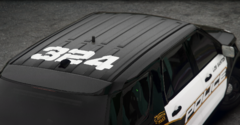
From the album: LSPD Pack [Pleasanton PD]
-
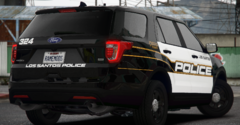
From the album: LSPD Pack [Pleasanton PD]
-
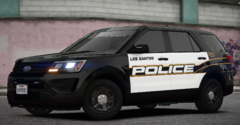
From the album: LSPD Pack [Pleasanton PD]
-
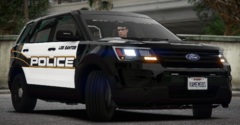
From the album: LSPD Pack [Pleasanton PD]
-
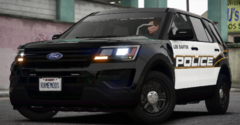
From the album: LSPD Pack [Pleasanton PD]
-
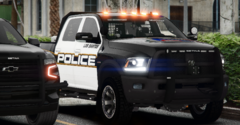
From the album: LSPD Pack [Pleasanton PD]
-
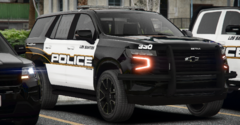
From the album: LSPD Pack [Pleasanton PD]
-
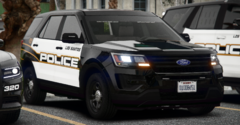
From the album: LSPD Pack [Pleasanton PD]
-
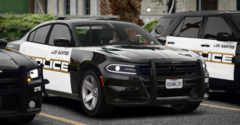
From the album: LSPD Pack [Pleasanton PD]
-
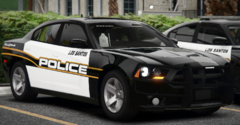
From the album: LSPD Pack [Pleasanton PD]
-
-
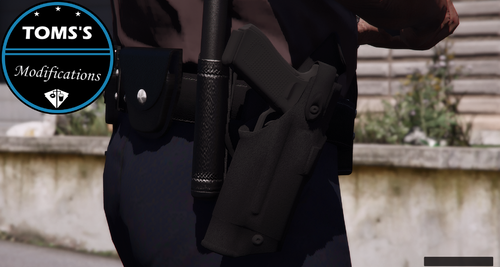 So I installed the Holster and it shows up in OpenIV but wont show up ingame...
- 25 comments
- 5 reviews
-
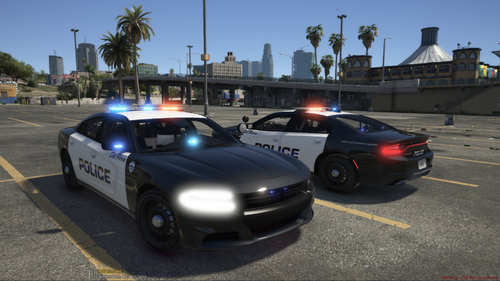 Here, just incase you want a more realistic, detailed Livery for this Charger.
 -
-
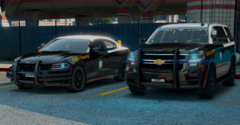
From the album: Florida Highway Patrol 8K Liveries