PikeCASLA
Members
-
Joined
-
Last visited
Everything posted by PikeCASLA
-
The first time I ran the "RAGE PLUGIN HOOCK" I sold that poster, in installation tutorial video I do not see that they operated.
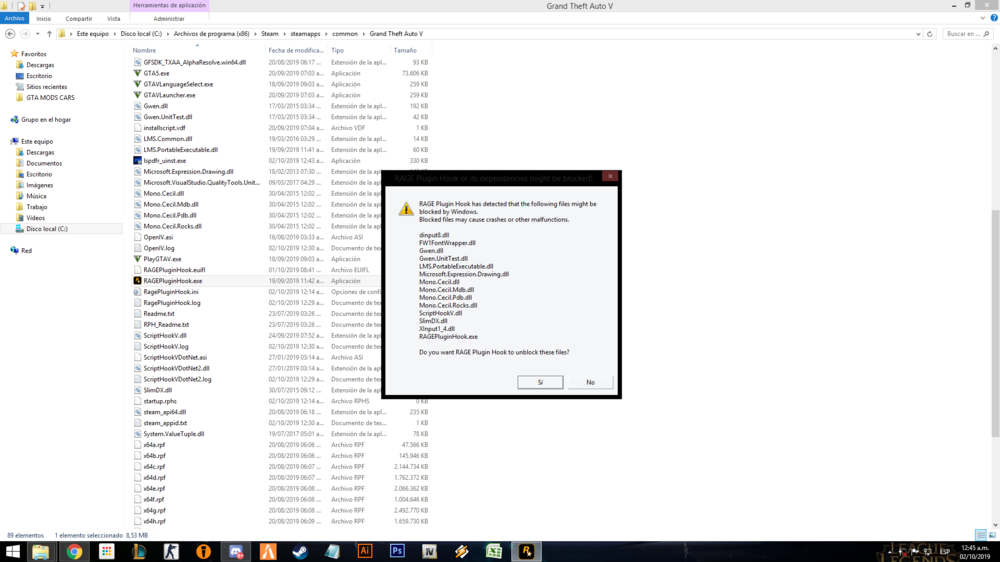 Hello how are you. Today I wanted to play LSPDFR download everything and install accordingly. The police stations load me but when I arrive I don't have the option to enter with the "E" key If you can help me, thank you very much. Sorry for my English, I use a translator.