
Mikey Development
Members
-
Joined
-
Last visited
Everything posted by Mikey Development
-
 Funny you say that I am trying to get into ELS Development, so it's definitely a possibility and I appreciate the love.
 -
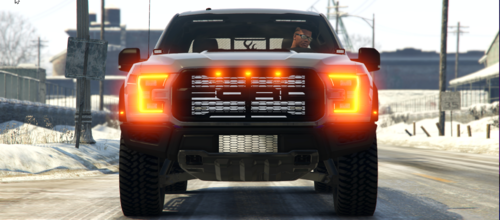
2017 Unmarked Ford Raptor by Mikey Extras Extra 1 - Grill Lights Extra 2 - Rear Bumper Lights Extra 3 - Visor Lights Extra 4 - Rear Window Lights Extra 5 - Side Runners Extra 6 - Takedowns Extra 7 - Rear Window Protector/Toolbox Features 360 Degrees Environmental Lighting Custom Light Pattern High Quality Bases High Quality Parts Options Red & Blue or Blue & Blue Discord Join or DM me if you have any questions. Username : Mike W.#2366 Join my Discord Here
-
 Thank you so much for the explanation. I fixed the skin but I can definitely see where there is confusion in the topic but thank you for clearing it up.
 -
The observer is supposed to see the flag with the stars on the left side. The flags aren't backwards. At least that's what i was taught.
-
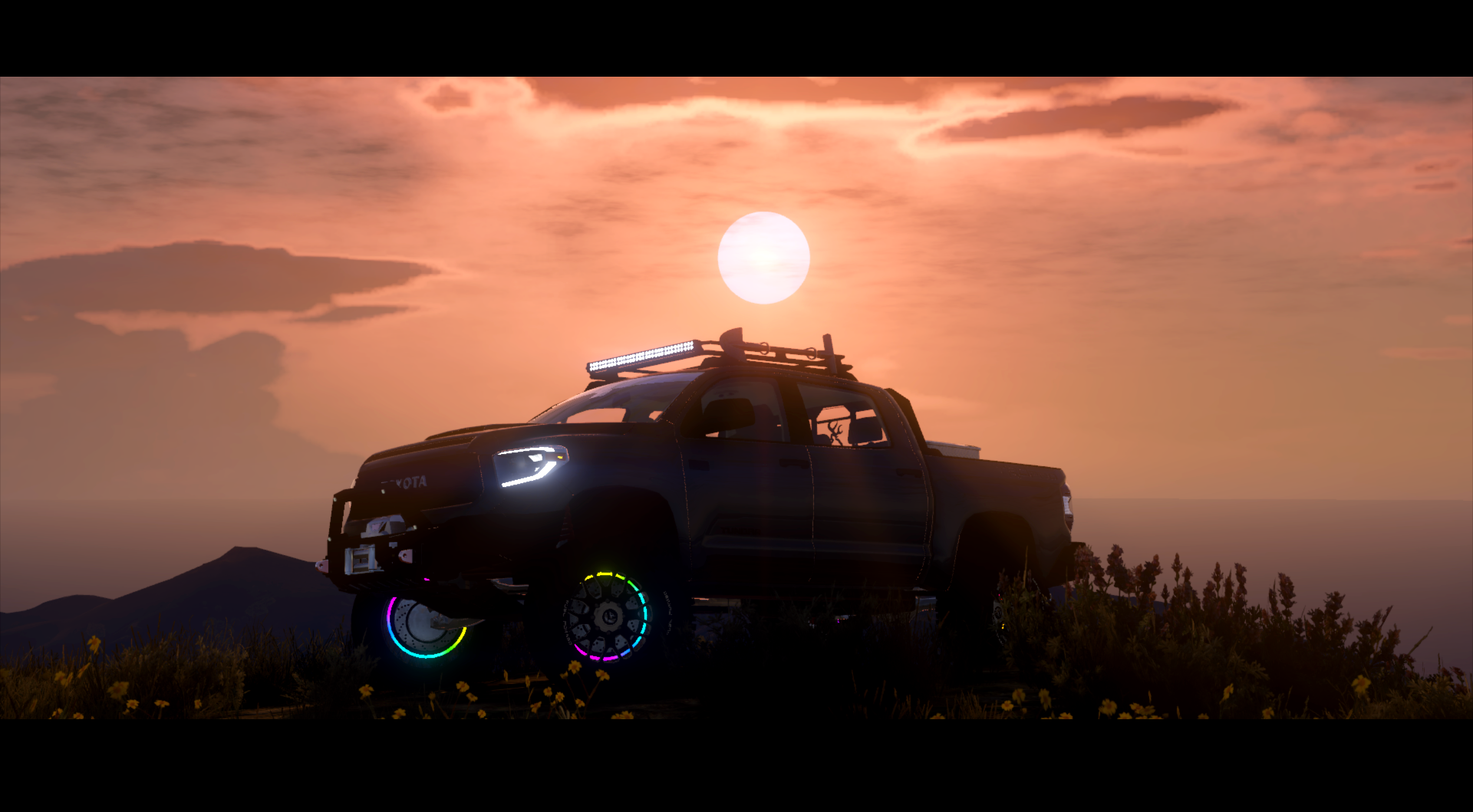
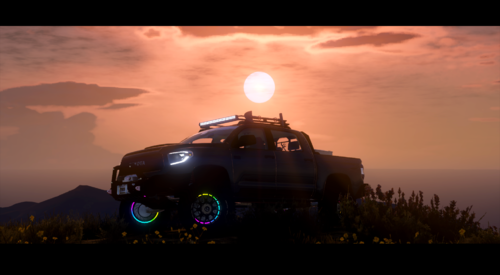 A new version to hopefully bring down the confusion, the LED Wheel Ring has been setup already. All you have to do is copy the wheel ring to all 4 wheels and there is a reference image inside the file to show you what it should look like. Once that's done, export it and you're finished.
 -
 Thank you, I didn't even realize I was very tired.
 -
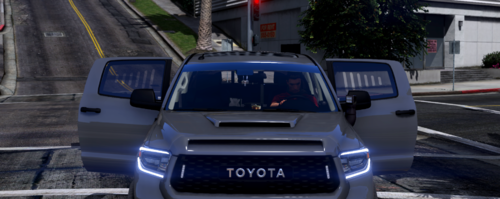
Polycarbonate window protectors fit for Blue Ghost's 2019 Toyota Tundra. Poly count is 752.