Tanukichi
Members
-
Joined
-
Last visited
Everything posted by Tanukichi
-
thank you everyone!
-
It worked when I replaced EXE and restarted!
-
Try to back up. Thank you.
-
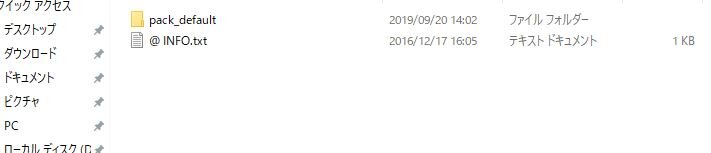
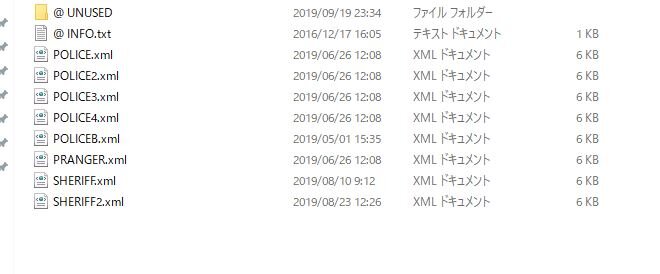
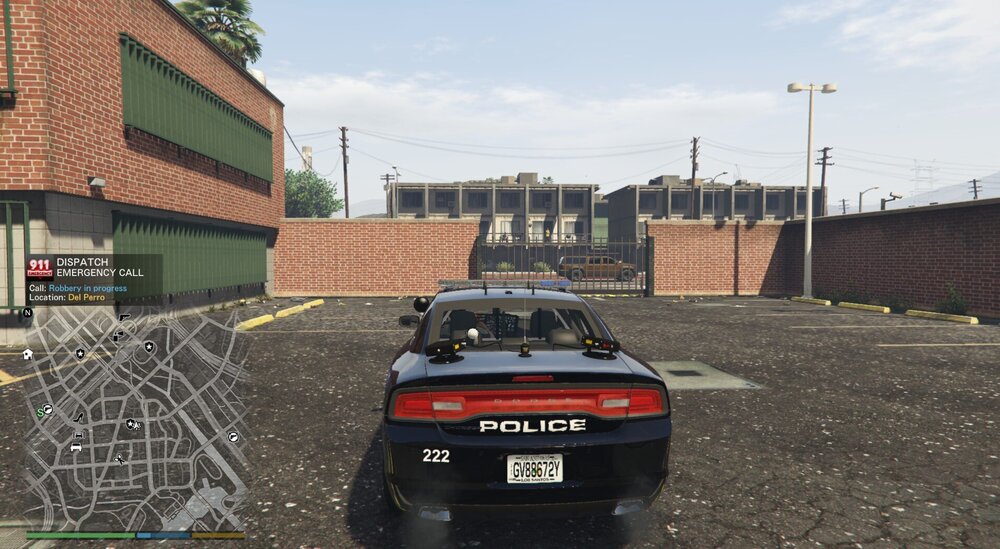
Thank you for the reply. I was relieved that there were no mistakes. XML files are stored in the pack_default folder. I tried to start MOD after updating yesterday's launcher. I will wait for the script hook update. I spent 14 hours preparing LSPDFR. Wait for the update. Thank you.
-
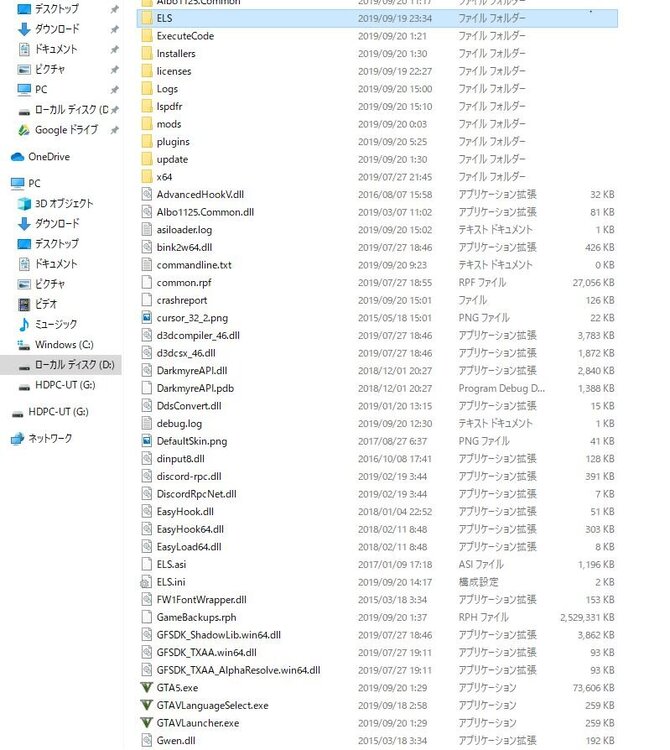
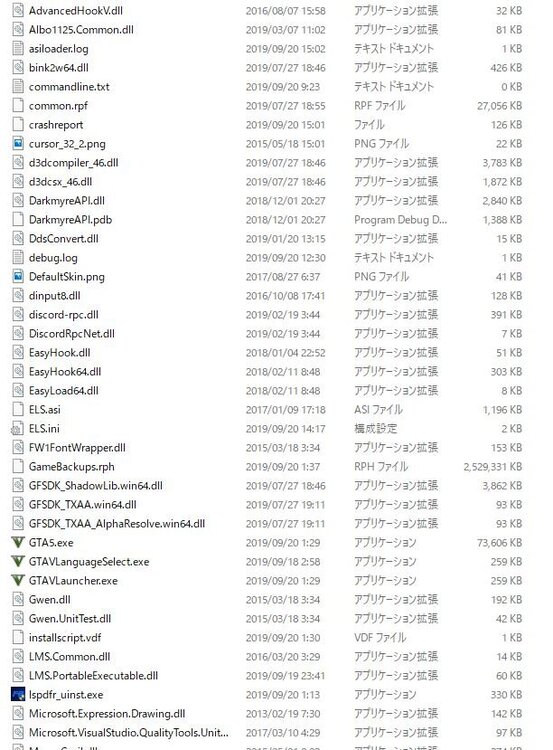
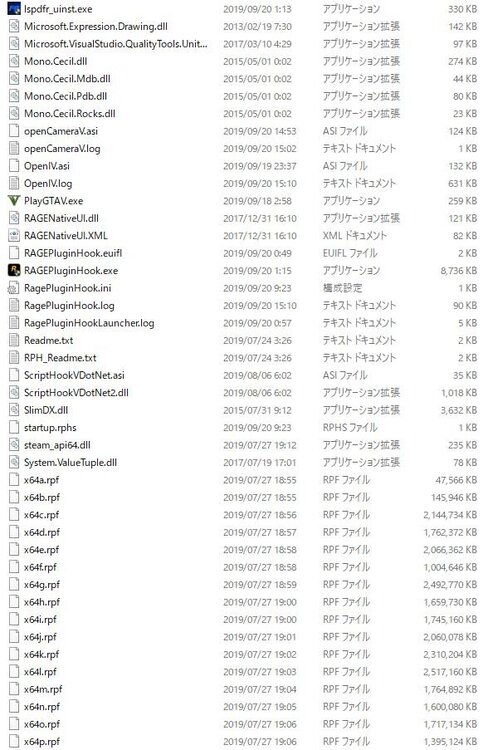
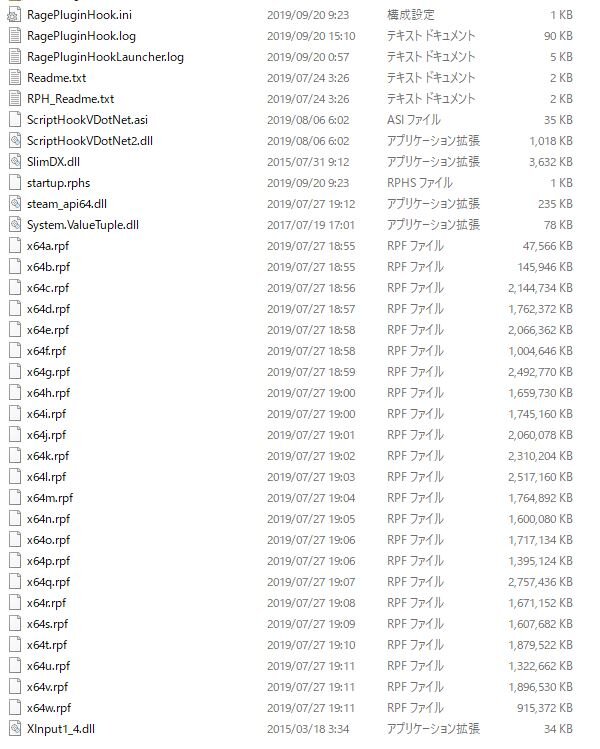
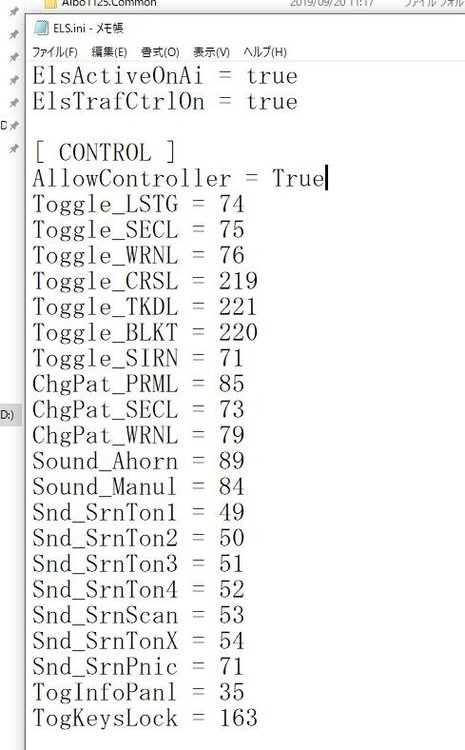
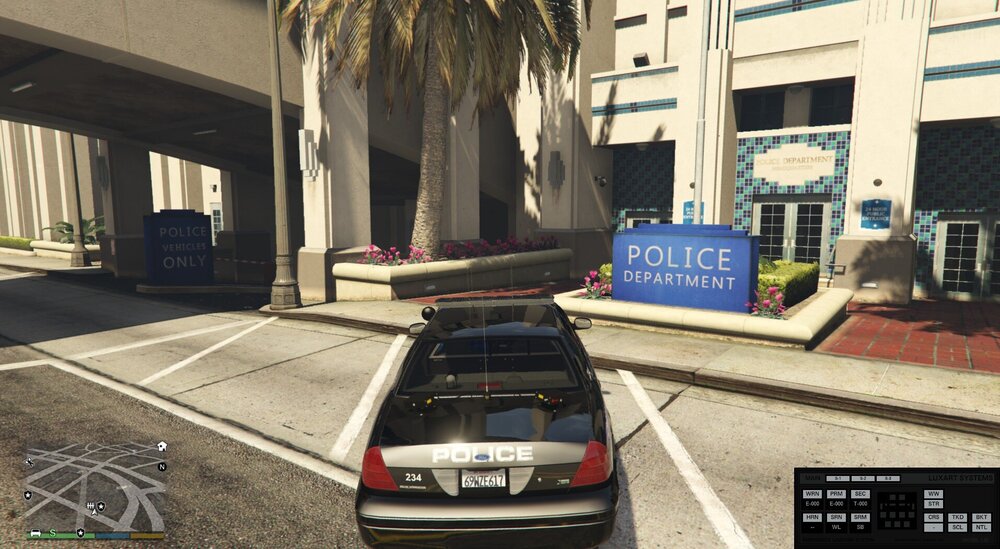
Hello everyone. I read Google search and forum articles, but I couldn't solve it. I believe I installed the required files, ELS-enabled vehicles, and placed the XML file in the right place. Launch the game, start working, and get into the police car. Press the scroll lock key and press Ctrl + P, but the panel is not displayed. I read an article about a problem with key binding, so I assigned unlock to Left Ctrl and assigned a panel display to the END key. The panel is still not displayed. I spent half of my holiday trying to solve the problem, but I can't determine the cause. I will post a screenshot with the necessary files in it, so please let me know my mistake. I can't read and write English, so I use translation. thank you for reading. I am waiting for a reply.