


GiNGY669
Members
-
Joined
-
Last visited
Everything posted by GiNGY669
-
Worked once I set the Plugin Timeout Threshold to 60,000. Thanks for your help.
-
Changed the vehicle to a different model and still having the same issue. Models I've used with great success in the past.
-
I deleted the sheriff vehicle I had in there. So far so good. Hopefully it stays this way.
-
Hello, I have been recording LSPDFR videos over the past couple months for my youtube channel. I get on today and try to record and my game will not stop crashing. I've attached my log below. if anyone could help me figure out why. Id greatly appreciate it! RagePluginHook.log
-
-
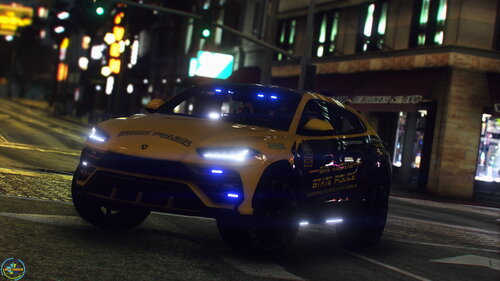 When putting a ped in the back, it acts as if their is no rear door and they just go right through. I know someone commented this a few days ago. Any fix?
- 31 comments
- 1 review
-
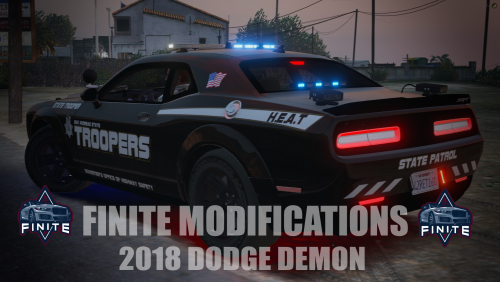 Yeah mine was doing the same. Had to change to a different handling meta. Why doesnt my demon have a light bar??
- 13 comments
- 1 review

