Skip to content
View in the app

A better way to browse. Learn more.

LCPDFR.com

A full-screen app on your home screen with push notifications, badges and more.

To install this app on iOS and iPadOS
  1. Tap the Share icon in Safari
  2. Scroll the menu and tap Add to Home Screen.
  3. Tap Add in the top-right corner.
To install this app on Android
  1. Tap the 3-dot menu (⋮) in the top-right corner of the browser.
  2. Tap Add to Home screen or Install app.
  3. Confirm by tapping Install.

nate131

Members
  • Joined

  • Last visited

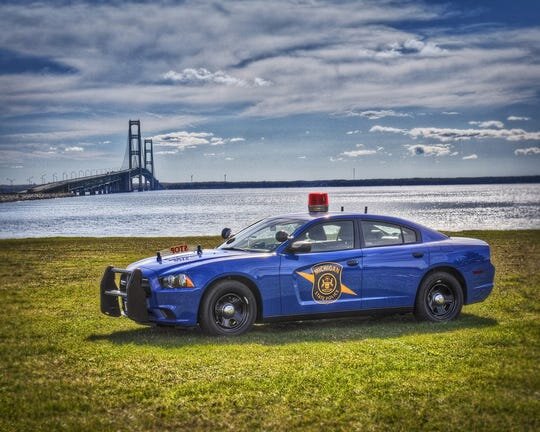
  1. Anyone having issues with the fog and mirror lights on the charger and crown vic?
  2. Hey Drew, I was messing around with the F3 trainer and went to the vehicle mods menu and tried to add the lights and brush guards in the components. Well I would click them and it would never show the lights or bumper. After it not working I was messing around and ran the vehicle into a wall. No joke then it showed the lights and the bumper after I hit the wall... So I would give that a shot and see what happens. Hope this helps!

Account

Navigation

Search

Search

Configure browser push notifications

Chrome (Android)
  1. Tap the lock icon next to the address bar.
  2. Tap Permissions → Notifications.
  3. Adjust your preference.
Chrome (Desktop)
  1. Click the padlock icon in the address bar.
  2. Select Site settings.
  3. Find Notifications and adjust your preference.