JustaLuci
Members
-
Joined
-
Last visited
Everything posted by JustaLuci
-
 Hey Mate, I've tried installing your pack, followed all the instructions you provided and after the R* loading screens before you select Singleplayer etc. it crashes on a black screen, if I turn off your pack it works fine, Its the only car pack I have installed, nothing else is installed and it keeps crashing
- 300 comments
- 22 reviews
-
-

- 2
-
-
 Thanks Pablo
 -
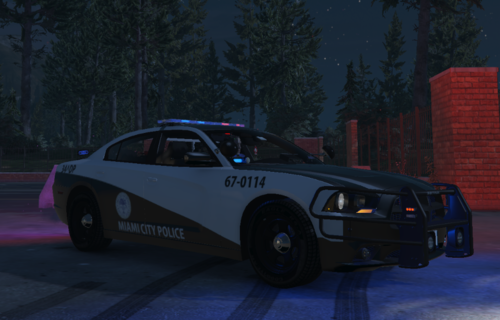
This file is not to be re-uploaded anywhere. The vehicle this is made for is JackTheDevs 2014 Dodge Charger: I only own the skin and not the car, to use this skin please download jacks ca, this is for FIVEM Only