
HotSinceMadMax
Members
-
Joined
-
Last visited
Everything posted by HotSinceMadMax
-
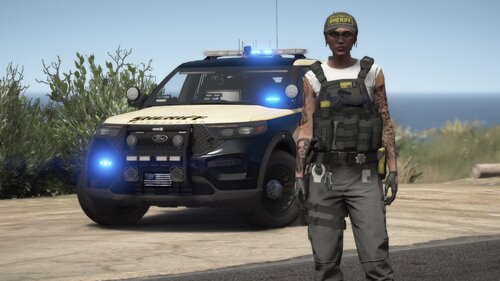 i got this to work a while back by extracting the files from OpenIV and just changing the files from female to male. Depending on what you wear, it will fill out the chest area but the back the vest will be missing.... add on the back piece for a cleaner look. This still an AWESOME Vest! Great work mohaalsmeer ! it's a same we can't get more Police Vest variety......
- 38 comments
- 2 reviews