
76willyvodka
Members
-
Joined
-
Last visited
Everything posted by 76willyvodka
-
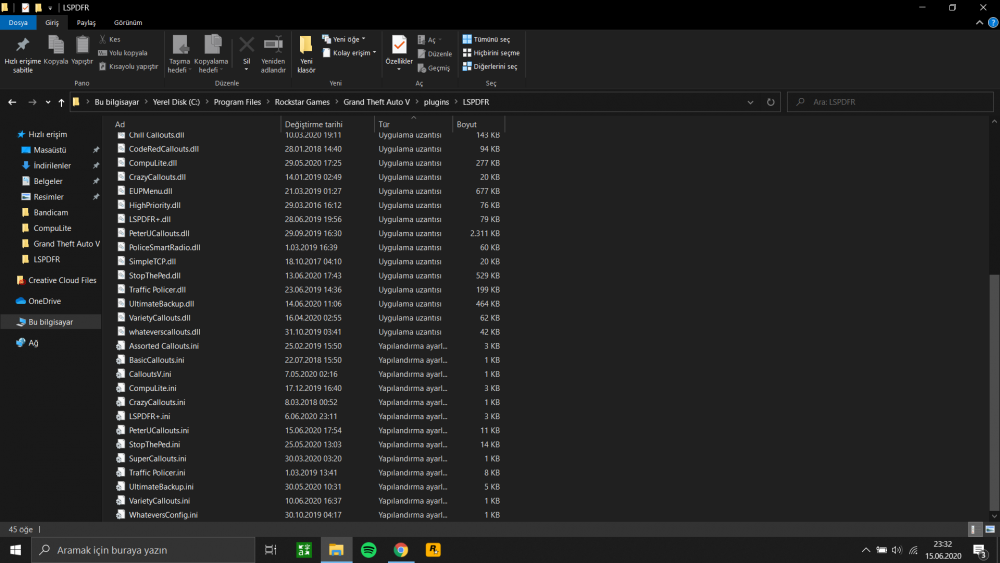
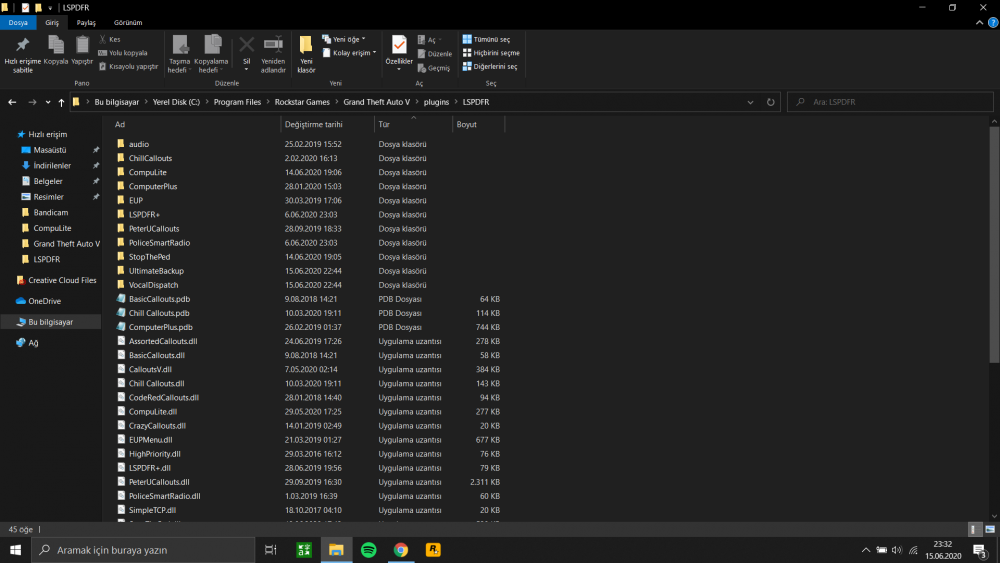
Basically when I request police back up or prisoner transport it takes so long to arrive. They just go a little bit then stop and then go a little but and stop again and again. I don't know why but it didn't use to be like this. I think it's caused by some plugin I installed but couldn't figure out which one. Is there anyone having the same problem? Sorry for the video quality. VIDEO: GTA V - LSPDFR - Police Backup Issue
-
Hi guys so after i had a bug in my game i tried the console command "ReloadAllPlugins" After that, i could not accept or reject any callouts, i could not open backup menu, i could not stop vehicles etc. It all suddeny stopped functioning. I tried to restart my pc, my game. Even if I restarted and go on duty and all the plugins loaded it did not work I really don't know what to do guys. Thanks