


trebor5007
Members
-
Joined
-
Last visited
Everything posted by trebor5007
-
Thank you, that appears to have fixed it.
-
My game keeps crashing whenever I try to go on duty with Grammar Police installed. If I remove the files and try, I can go on duty. RagePluginHook.log
-
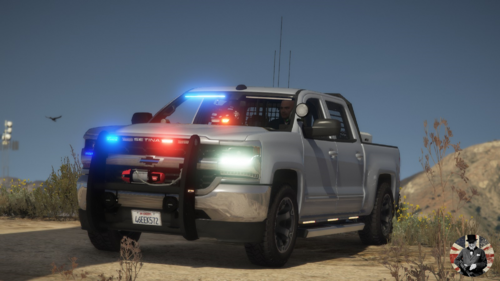 Ah, good call. I found the line that needs to be replaced. I have added screenshots for placement reference. This line: <trailers /> need to be replaced with these lines: <trailers> <Item>boattrailer</Item> <Item>trailersmall</Item> </trailers> Those lines were copied from the Bison's meta as the Bison is one of the vehicle in the base game that can tow trailers.
- 58 comments
- 16 reviews
-
-

- 1
-
-
Is there any way you can update the model so that it is able to pull trailers like the boat trailer?
- 58 comments
- 16 reviews
-
-
- 1
-
