


NotSpud
Members
-
Joined
-
Last visited
Everything posted by NotSpud
-
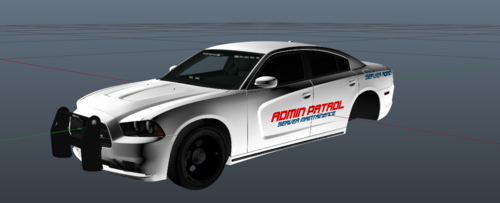 Admin Vehicles are mostly used in public (non-whitelist) servers where a lot of hacking goes on, with my staff, I tell them not to use the vehicle unless some 'big shit' is going down. I understand your point but it is needed.
 -
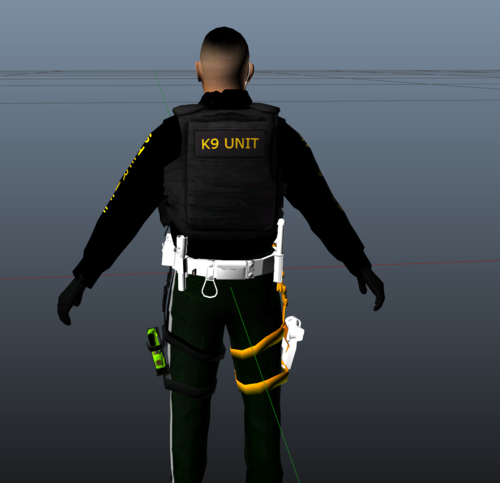 It's not an EUP uniform, as you can see clearly it's a ped
 -
I use a style like this for my FiveM Server so I said I'd make one like it for public use This is the one from my FiveM server Model Used: Discord: https://discord.gg/NpWEYc4 I may make an admin pack in the future Do not distribute this to another site without my permission
-
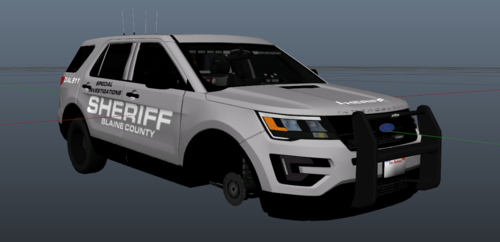 First time using the font & vehicle that I used, didn't turn out as I hoped it would Model Used: Discord: https://discord.gg/NpWEYc4 Do not distribute this to another site without my permission


