


BigOleDrewski
Members
-
Joined
-
Last visited
Everything posted by BigOleDrewski
-
I'm pretty sure I read somewhere that there's a way to make the police4 vehicle have a skin. I know the basics to OpenIV; installing vehicles, metas, .ytd's. Under what path is it to change that setting for police4 though? I know there's gotta be a way...
-
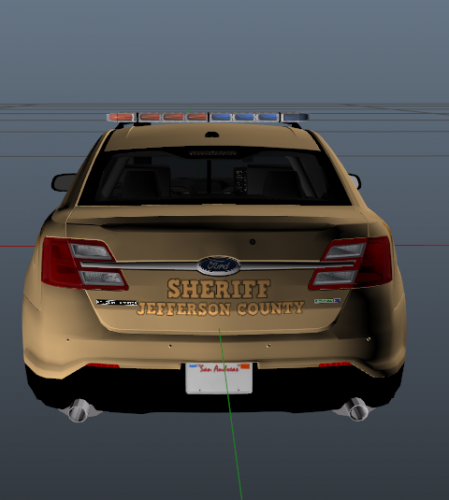 I live in Jeffco. Love to see this! Was just about to ask some designers I know to make one when I looked up reference pictures online. Scrolling through google images and this popped up. Made my day! Thanks! Did you ever make the black one yet?

