TrooperBOb
Members
-
Joined
-
Last visited
Everything posted by TrooperBOb
-
-
-
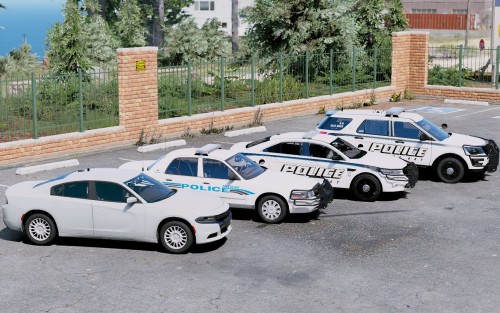 For sure my favorite unmarked charger! Absolutely remarkable job on it! Please more all blue packs!!!!
- 14 comments
- 4 reviews
-
-

- 1
-
-
-
Albo plugins are out of date. They are not compatible with the new LSPDFR update.
-
I actually had to get rid of my albo mods because they are not up to date yet. They were the Plugins causing me to crash.
-
Some of your plugins could be out of date, i had the same problem and fixed it by going to My plugins in the "LSPD First Response" file location then to plugins and deleting the out of date plugins. Check the dev posts they address some of these issues.
-
Try seeing if any of your plugins are out of date. Albo's plugins are likely to make your game crash if they are out of date, they did it for me.
-
Idk
-
I have the Same problem. ☹️ It says something when i hit F4 it shows that a fatal error has occurred involving Ambient chases and some other things.