cemal
Members
-
Joined
-
Last visited
Everything posted by cemal
-
sry
-
yes ! but can i install EUP Menu for NOOSE skin ?
-
Open the RAGEPluginHook settings menu (hold down SHIFT immediately after clicking RPH) Increase 'Plugin timeout threshold' to a higher value (e.g. 30000) Save and Launch it does works
-
i love u bro it does works
-
the newest RAGE Plugin Hook - Open Alpha - 1.68.1248.15551
-
yes
-
If I always start this, there is a BLACKSCREEN and there comes a message "LSPDFR 4 keeps crashing" why? RagePluginHook.log
-
RagePluginHook.logCan one help me ?
-
i updated my gta RPH is not updated.
-
Look dude ho
-
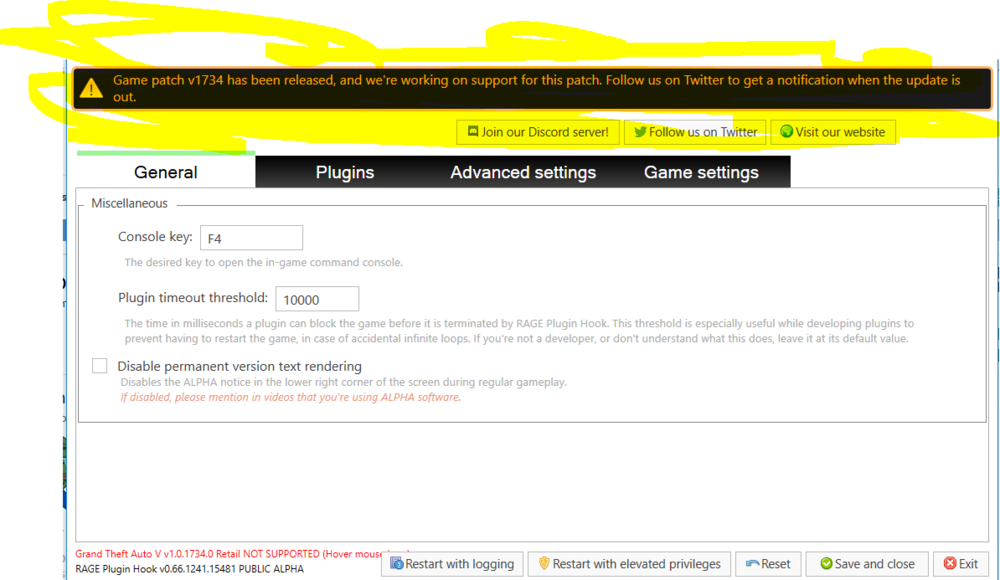
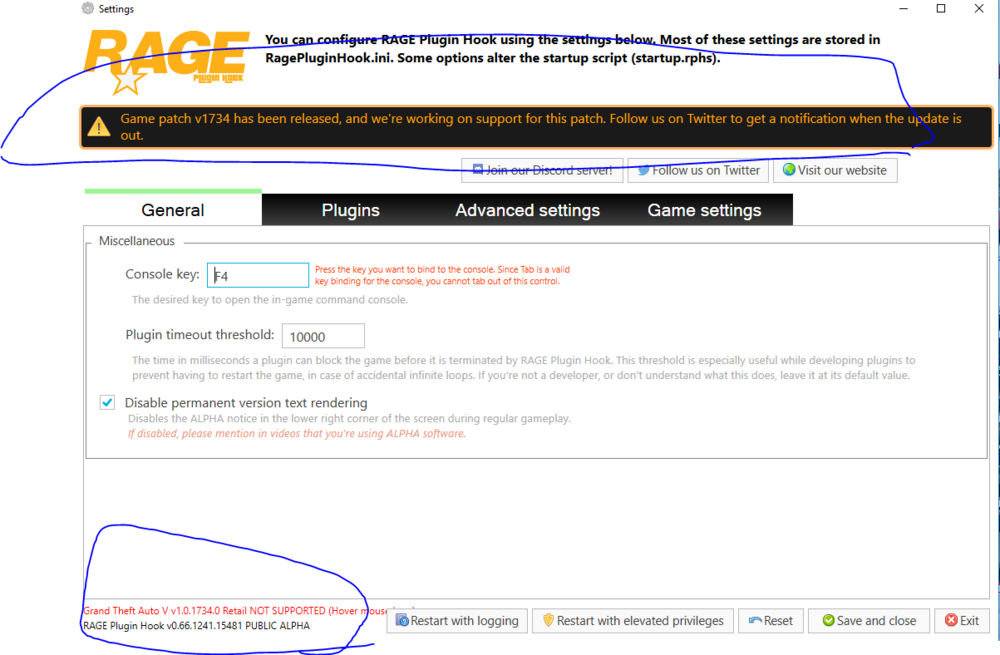
guys can one send me the Rage Plugin Hook Version for Lspdfr 0.4 ? The current game version is not supported. Installed game version: 1734 Latest game version: 1734 Supported game versions: 1604
-
i re-installed my Game 😄 i look this problem later sorry for my bad english.
-
If I always start this, there is a BLACKSCREEN and there comes a message "LSPDFR 4 keeps crashing" why? RagePluginHook_22072019_141423.log