


Alkalime
Members
-
Joined
-
Last visited
Everything posted by Alkalime
-
Please see below
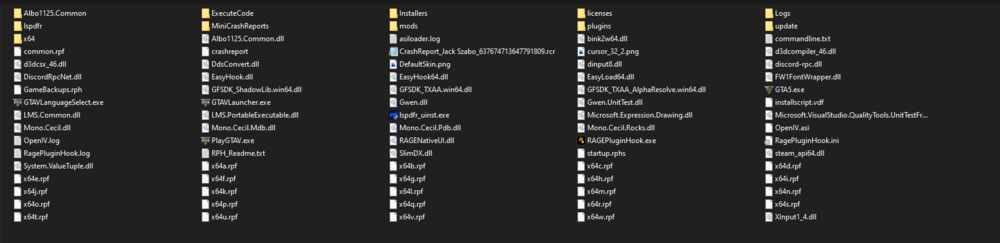
-
Currently only have DD_V_LAPD_Fed_Sig_SS2000_Sirens installed.
-
It opens up OK, but is quite delayed from what you'd normally expect. Black screen for a good 10-15 seconds before the window smash/siren splash starts. Vanilla install seems to do this too but it didn't do this when it was freshly installed. I was able to get it to load up OK by opening RPH once the splash screen had started up though
-
Hi all, New install of LSPDFR and has been crashing on startup from simply loading a different siren audio file using OpenIV. No other plugins (yet) just stock LSPDFR, can't launch it at all. Was able to get it load by Disabling the DirectX hook but then couldn't use any keys relating to LSPDFR in game and found that setting affects that. Remembering now why I gave up on playing this mod for so long. I can never get more than an hours worth of gameplay before it becomes hours worth of troubleshooting and reinstalling. Not sure if this is the right log file or if the full detailed report is required. Let me know and I can attach. Hoping someone can help. Language is not Turkish btw. RagePluginHook.log Also attempted renaming mods folder to _mods, no change. RPH Timeout value is set to max 60k
