wax77
Members
-
Joined
-
Last visited
Everything posted by wax77
-
 effectivement oui cela fonctionne bien mais j'ai l'impression qu'il y a un conflit avec alpr +
 -
bonjour le script fonctionne t'il avec la version 4.7 de l'api lsdpfr ?
-
-
-
bonjour j'ai un petit problème normalement la touche X permet au dispatch de m'envoyer des missions mais je ne comprend pas les mission ne viennent pas quand j'appui dessus je suis obliger d'attendre Une solution ?
-
dacc bon je t'envoi un message en priver pour team
-
ton lien ne fonctionne plus
-
humm bizzare t'es sur une version cracker de gta ?
-
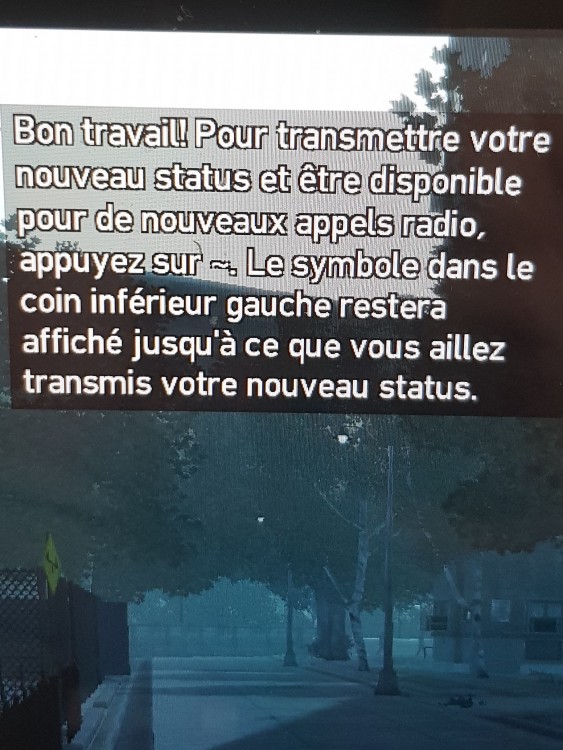
bonjour j'ai un problème a la fin de chaque mission du contrôle sur gta 4 on me demande d'appuyer sur la touche "~" pour envoyer mon statut sauf que le problème c'est qu'il faut faire ALT GR et la touche é sous F2 et ça le jeu ne le veux pas et je n'arrive pas a inverser les touches pour que é devienne ~ sans que je touche a ALT GR qui a une solution svp ?