hardimw3766
Members
-
Joined
-
Last visited
Everything posted by hardimw3766
-
-
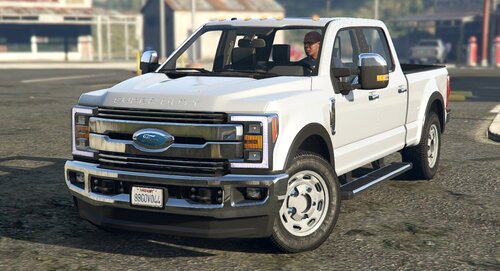 Great looking mod, however the only thing I see is that the Super Duty has an 8x170 bolt pattern, not a 5x5.5. Sorry for being nitpicky but it looks like your trying to make the best models you can so mainly some constructive criticism. Amazing truck sir.
 -
 Looks awesome. Just to add something, the liveries should pair with Valor bars. I live live 5 miles from that particular station
 -
-
-
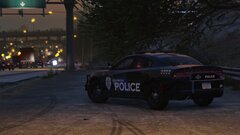
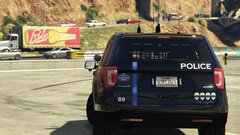
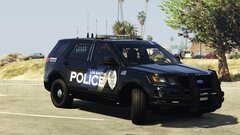
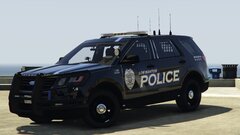
 I love the Livonia PD texture, if its possible to get a black one for a CVPI or FPIU that'd be awesome. Im just giving ideas.
 -