



BlckHrt
Members
-
Joined
-
Last visited
Everything posted by BlckHrt
-
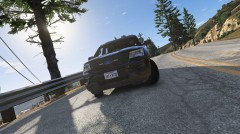 This is either a 2015 or a 2016 explorer. Not sure.
 -
-
-
-
-
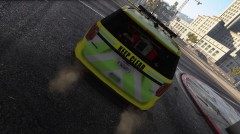
From the album: TNO EMS vehicles
-
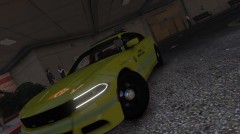
From the album: TNO EMS vehicles
-
-
-
-
From the album: TNO EMS vehicles
-
-
-
-
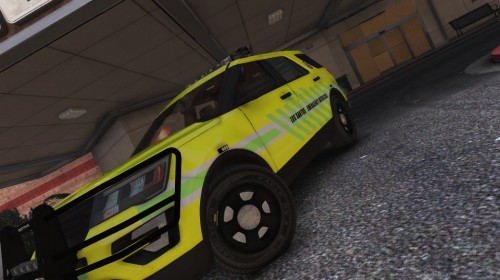 Introduction: This pack was created for The New Order FiveM Roleplay community. They wanted me to skin all of their EMS vehicles. All vehicle textures were made with Photoshop CS6. Legenda: ✅ = Done & Tested ☑️ = Done ❌ = Cancelled Vehicles in Pack: -Ford e450 Ambulance ✅ -Hakuchou Motorcycle ✅ -Dodge Charger ✅ -2016 Ford Explorer ✅ -H145 Air Ambulance ✅ Models: Charger: https://www.gta5-mods.com/vehicles/dodge-charger-rt-ems-for-fivem-and-sp Explorer: https://www.gta5-mods.com/vehicles/2016-ford-explorer-fpiu-qrv-saems-els Helicopter: https://www.gta5-mods.com/vehicles/yorkshire-air-ambulance-h145-replica Installation: 1) Use OpenIV to navigate to your GrandTheftAutoV Files. 2) Navigate to /mods/update/x64/dlcpacks/patchday9ng/dlc.rpf/x64/levels/gta5/vehicles.rpf 3) Place the contents of each vehicle folder in the directory 4) Open each vehicles Texture directory (the .ytd files) and replace their respective texture livery file. 5) And you're done. If you have any issues, you can contact me on here via posting a comment and @ me.
 -
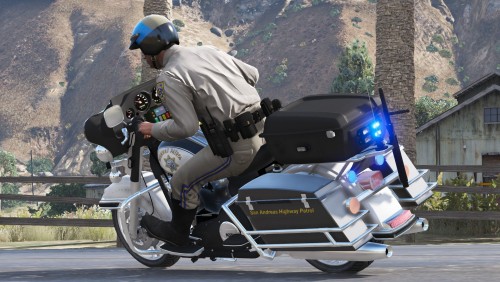 I enjoy using this bike, good work buddy ! 🤩
 -
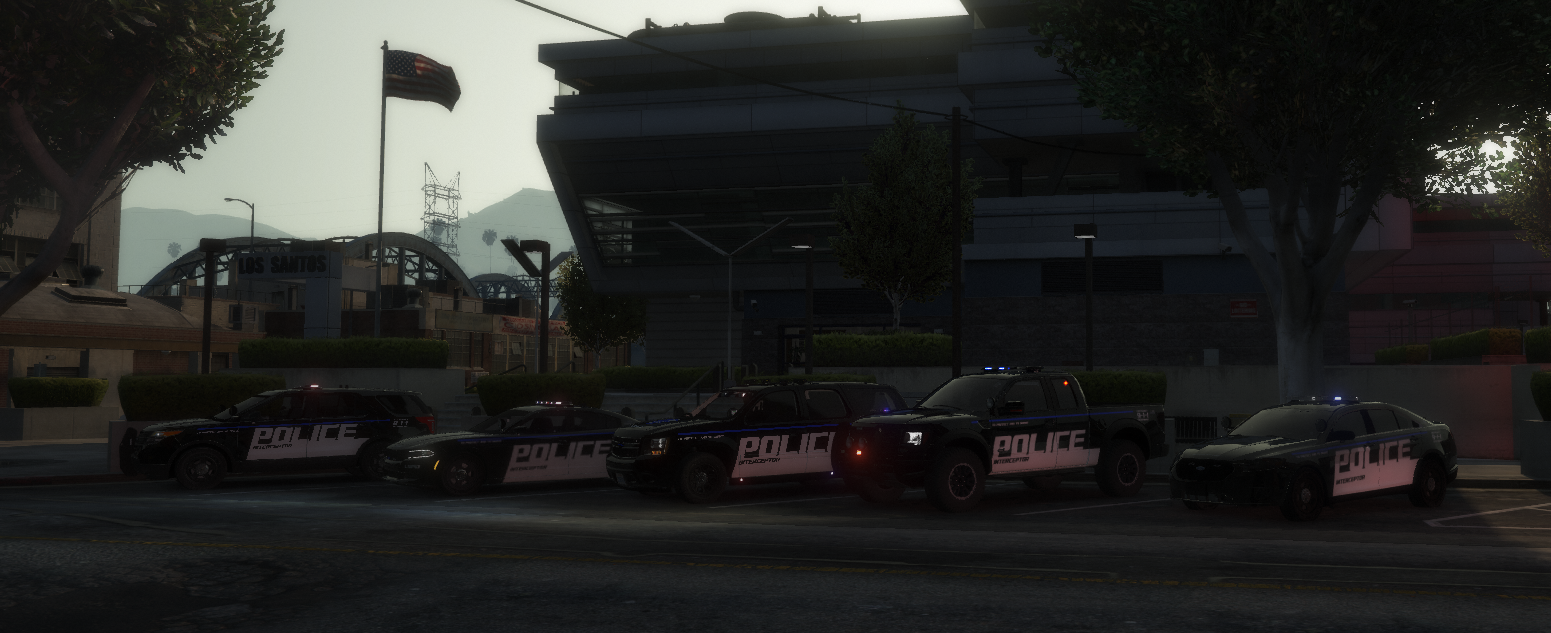
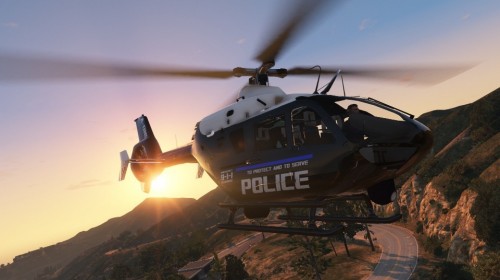 Introduction: This pack was created for The New Order FiveM Roleplay community. They wanted me to skin all of their LSPD vehicles. All vehicle textures were made with Photoshop CS6. Legenda: ✅ = Done & Tested ☑️ = Done ❌ = Cancelled Vehicles in Pack: -Eurocopter EC-135 ✅ -2013 Ford Explorer ✅ -2016 Ford Explorer ✅ -2013 Ford Taurus ✅ -2015 Dodge Charger ✅ -2016 Chevrolet Impala ✅ -2014 Chevrolet Tahoe ✅ -2013 Ford F150 Raptor ✅ -2013 Harley Davidson Electraglide ✅ -Police Bicycle ✅ Models: Eurocopter EC-135: https://www.gta5-mods.com/vehicles/eurocopter-ec135-npas-replace Installation: 1) Use OpenIV to navigate to your GrandTheftAutoV Files. 2) Navigate to /mods/update/x64/dlcpacks/patchday9ng/dlc.rpf/x64/levels/gta5/vehicles.rpf 3) Place the contents of each vehicle folder in the directory 4) Make sure your vehicle files are named either (police, police2, police3 or sheriff, sheriff2) as these are the default vehicles GTA used as police vehicles. 5) Open each vehicles Texture directory (the .ytd files) and replace their respective texture livery file. 5) And you're done. If you have any issues, you can contact me on here via posting a comment and @ me.
 -
-
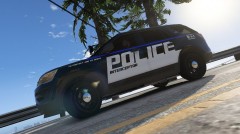
From the album: TNO LSPD vehicles
© Loki
-
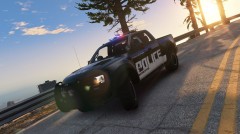
From the album: TNO LSPD vehicles
© Loki
-
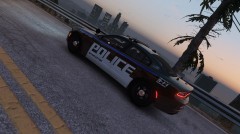
From the album: TNO LSPD vehicles
© Loki
-
-
From the album: TNO LSPD vehicles
© Loki
-
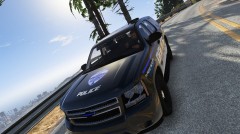
From the album: TNO LSPD vehicles
© Loki
-
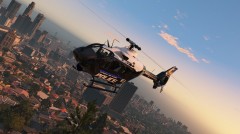
From the album: TNO LSPD vehicles
© Loki





