


MichaelScarn
Members
-
Joined
-
Last visited
Everything posted by MichaelScarn
-
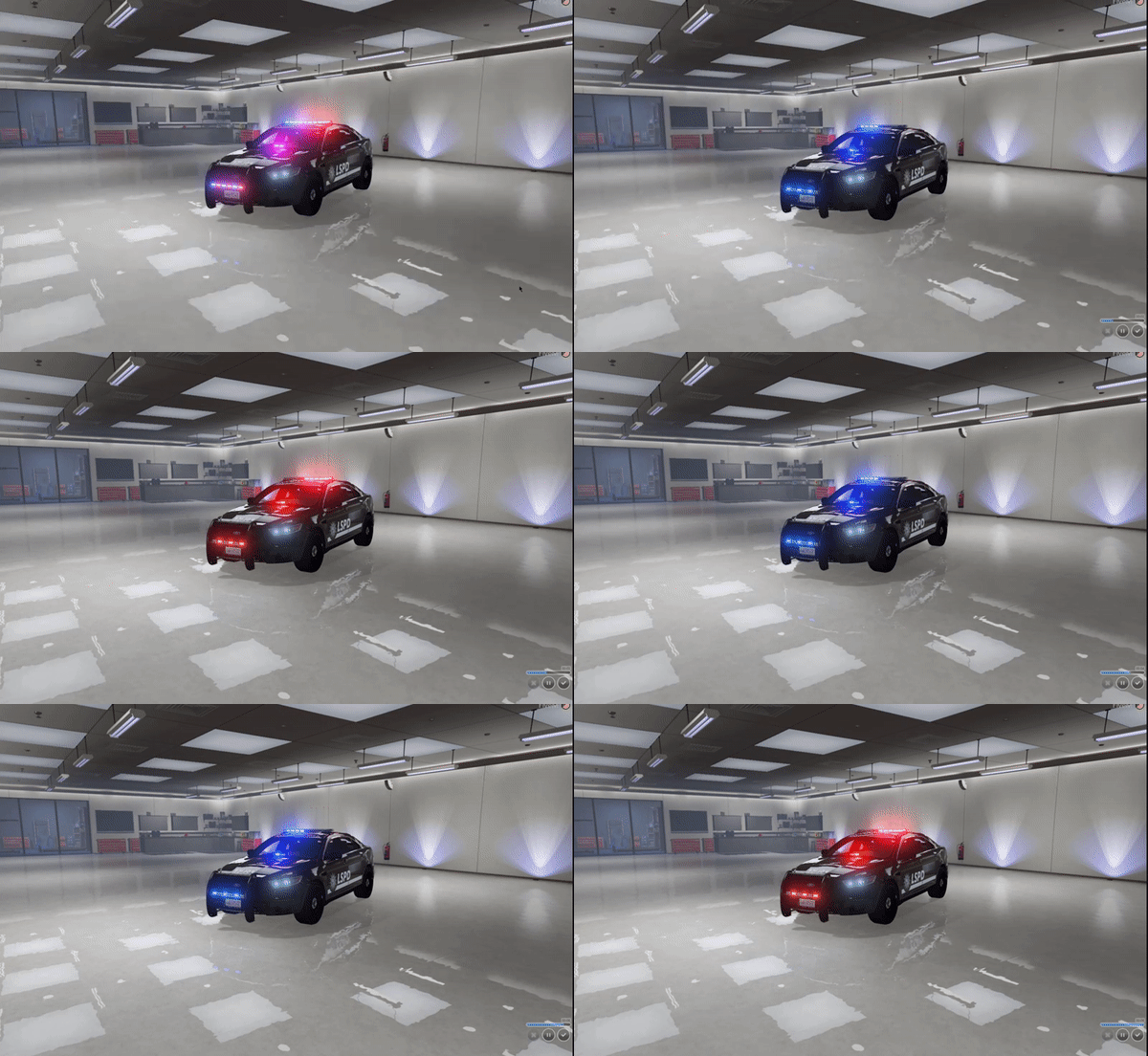 Very nice vehicle, good job.
 -
I have recently installed a package installer vehicle pack, i would love to change the skin of the vehicles. But i dont know to with the package installer vehicles. Please Help.
-
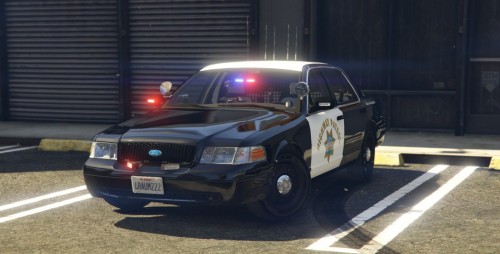 You need to fix one thing about this pack, On the third stage of ELS you have the lights flipped. Like, i see the amber light color in front of me using radiance. So just make the front of the light bar give out light on ELS stage 3. Like in the Mega Pack.
- 8 comments
- 1 review
-
-

- 1
-
-
 I have one request. On the second ELS mode i would like the back six lights to be lit up with the amber lights included.
- 60 comments
- 37 reviews
-
