


NerfVigil
Members
-
Joined
-
Last visited
Everything posted by NerfVigil
-
-
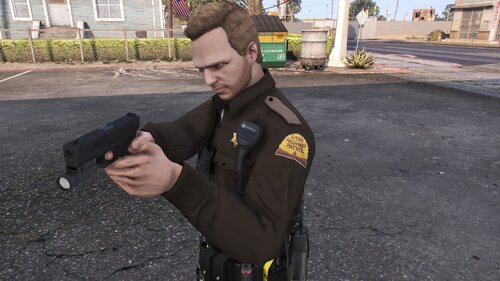 What a nice mod. It give me good experience when patrolling. Ty Alex! 5 star for sure
- 8 comments
- 1 review
-
-

- 1
-
-
Hey bois! I have this problem. I want to press my talk button (N) and the mod doesnt even respond but in the rage plugin hook log it says "(Keypressmonitor) dispatch keypress status changed to:True/False and these stuff. Heres the pics
.thumb.png.df955a2fc94e0e12d4a8d68f09cae2c1.png)
-
@Veteranfighter Could i ask how can i do that?
.png.6b799a59440a6cdb3b355295455a1cc8.png)