Skip to content
View in the app

A better way to browse. Learn more.

LCPDFR.com

A full-screen app on your home screen with push notifications, badges and more.

To install this app on iOS and iPadOS
  1. Tap the Share icon in Safari
  2. Scroll the menu and tap Add to Home Screen.
  3. Tap Add in the top-right corner.
To install this app on Android
  1. Tap the 3-dot menu (⋮) in the top-right corner of the browser.
  2. Tap Add to Home screen or Install app.
  3. Confirm by tapping Install.

William McGinty

Members
  • Joined

  • Last visited

  1. William McGinty changed their profile photo
    • 95 downloads
    • Version 0.1
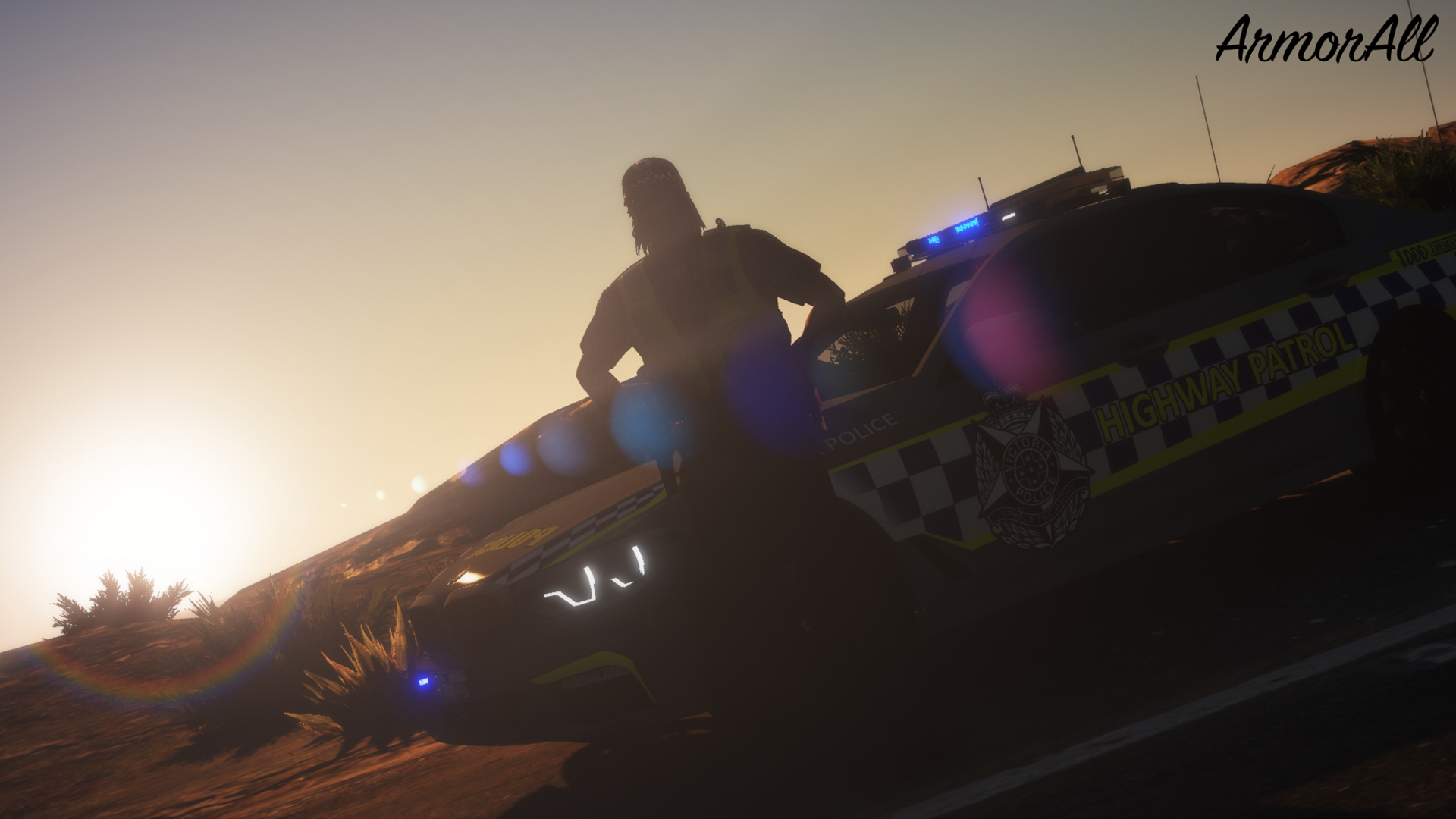
    This mod allows the backup from ultimate backup to spawn as Victoria Police, Let me know if you have any issues contact me though lcpdfr.com or discord ArmorAll#3098 NOTE: You will have to install other EUP mods for this to work links below and with the addon cars look at recommended mods and swat and noose aren't replaced working on them TOS This mod may not be stolen, ripped, modified, or sold. Editing and claiming it as your own is prohibited. It is prohibited to post to any other website without first obtaining authorisation. UNIFORM: BELT: NOTE: DOWNLOAD VERSION 1.0.3 ITS WITHOUT THE TASER AND RADIO ON THE BELT BODYCAM & MIC/RADIO VEST: NOTE: THIS VEST IS ONLY AVAIBLE IN PATRICKTAN112's DISCORD ITS FREE AND UNDER DISCORD RELEASE https://discord.gg/zcJ5dvYCDK Recommend Mods: NOTE: MAKE ADDON NAME THIS HPBMW KEEP THE ADDON NAMES KEEP ADDON NAME NAME THIS VAMBOBMW
  2. Hey everyone just looking for any male and or females to make a complete new Australian dispatch for LSPDFR this will have new callsigns and correct sub departments like instead of SWAT it will be CIRT and instead of NOOSE it will be SOG also looking for new police voices like responding units so it will be either Melbourne-314 or LosSantos-314 unsure if I want to go lore friendly. Requirements for this project: good microphone TeamSpeak for recording (or if you have a third party software that makes your voice sound like your talking on a radio) Time You might get paid for this project to so if your interested please send me a private message on discord ArmorAll#3098

Account

Navigation

Search

Search

Configure browser push notifications

Chrome (Android)
  1. Tap the lock icon next to the address bar.
  2. Tap Permissions → Notifications.
  3. Adjust your preference.
Chrome (Desktop)
  1. Click the padlock icon in the address bar.
  2. Select Site settings.
  3. Find Notifications and adjust your preference.