
Beaver668
Members
-
Joined
-
Last visited
Everything posted by Beaver668
-
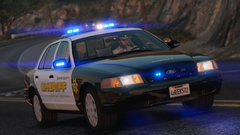 Uncanny resemblance!
 -
-
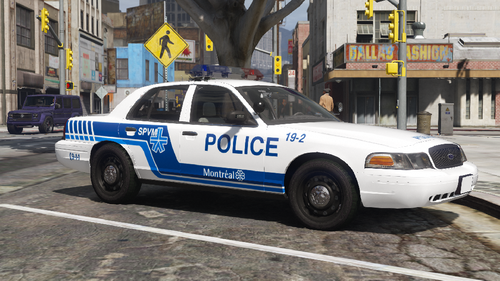 Love how you put 19-2 as the texture!
 -
 An easy way to fix this (and i'm sure someone has said this before me) is downgrading your game version.
- 534 comments
- 206 reviews
-
Hey all, I recently installed Jurisdictions+ option 4, and decided I wanted to try having custom vehicles and uniforms for Paleto bay, Grapeseed, Sandy Shores, etc. I added the custom vehicles and but cannot figure out how to add uniforms. All the uniform packs I see on this website replace the uniforms, rather than add them. Can anyone help me and/or point me in the direction of a tutorial? Thank you.
-
Here you go, LSPDFR normally takes 2-3 tries to load for me, hence the multiple times I loaded the plugin
-
Hello all, I recently installed Juristictions+ and when trying to play today I ran into a problem. Typing forceduty did not work, I assumed because juristictions+ changes outfits so my previous outfit wouldn't be able to load, so I just went to the closest police station (in this case the one on the pier) and upon entering the police station LSPDFR crashed, leaving my poor character stuck in the locker room. I restarted the game and tried again, four times, to no avail. Has anyone else had a problem like this, and is there a solution? Thank you.
-
I posted this on reddit as well and I have found that that works. Thank you.
-
RPH was working fine for a day then it just got stuck waiting for game window. I’ve tried what’s suggested in all the other threads about this problem, but nothing works! Any and all help is appreciated.