Skip to content
View in the app

A better way to browse. Learn more.

LCPDFR.com

A full-screen app on your home screen with push notifications, badges and more.

To install this app on iOS and iPadOS
  1. Tap the Share icon in Safari
  2. Scroll the menu and tap Add to Home Screen.
  3. Tap Add in the top-right corner.
To install this app on Android
  1. Tap the 3-dot menu (⋮) in the top-right corner of the browser.
  2. Tap Add to Home screen or Install app.
  3. Confirm by tapping Install.

TheRaccoudert

Members
  • Joined

  • Last visited

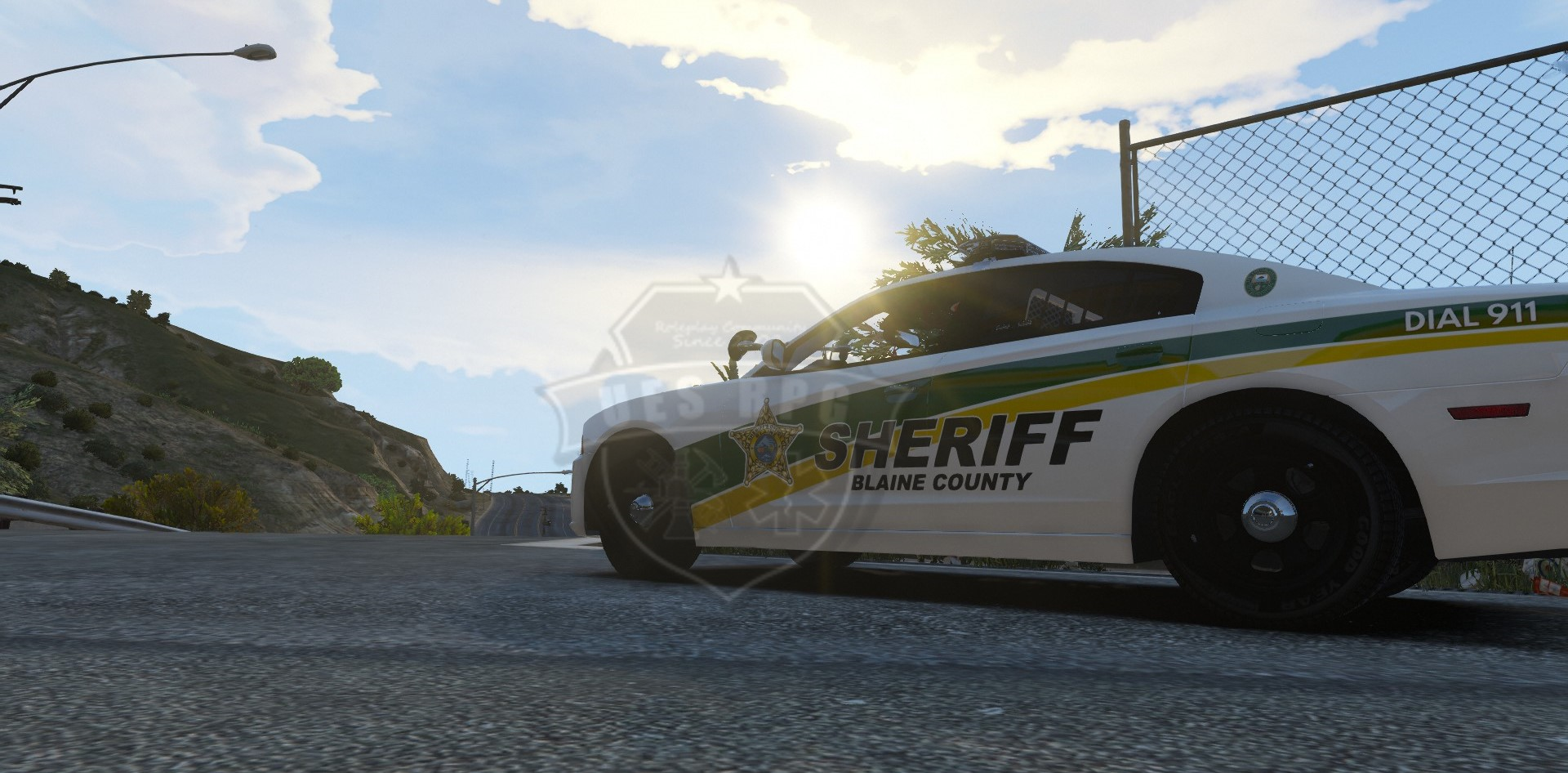
  1. These are fantastic models! Any plans to possibly turn the antenna farm on the roof of the charger into an extra so the car can truly be unmarked?
  2.    Pusasaurus reacted to a review on a file: [NON-ELS] Legacy Tahoe w/ Takedown Extras
  3. TheRaccoudert changed their profile photo
    One of the better Non-ELS Tahoes out there on this site. I really like the car and the only reason this isn't five stars is because of some minor issues I noticed: 1. Just above the rear-view mirror there is a missing panel that allows you to see through the car to the outside (I assume a missing light panel) 2. The license plate is messed up to the point of being completely blurred and unreadable One request I would have for the next version of this car, besides fixing the two points listed above, would be to make the campaign hat on the dashboard an optional extra so that those of us that wish to may remove it.

Account

Navigation

Search

Search

Configure browser push notifications

Chrome (Android)
  1. Tap the lock icon next to the address bar.
  2. Tap Permissions → Notifications.
  3. Adjust your preference.
Chrome (Desktop)
  1. Click the padlock icon in the address bar.
  2. Select Site settings.
  3. Find Notifications and adjust your preference.