


Jacke1012
Members
-
Joined
-
Last visited
Everything posted by Jacke1012
-
 You're not the only one that dislikes the way the Stop the ped developer does things 😉
- 74 comments
- 24 reviews
-
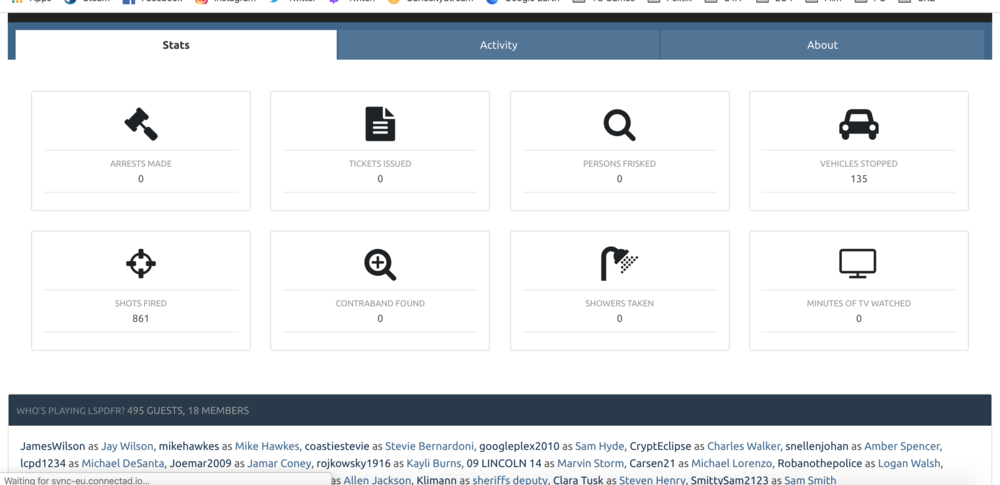
Maybe you already know this but it is working now. Very well done 🙂 P.S. The arrests are still zero because i use stop the ped to arrest.
-
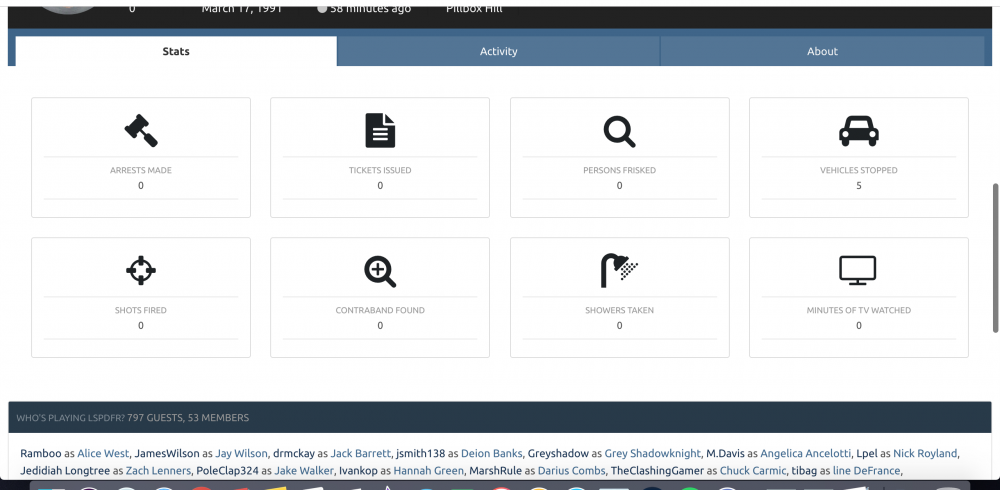
Hi, Only my traffic stop for my Character is registering. Arrests and frisks I understand because I use Stop The Ped. But why is the shots fired still and always att 0? The current character is not the only one with this issue, also my other character that I removed. Why does not shots fired register?
-
Same thing happened for me but I change Computer+'s keybinding to something other than the horn and it worked.
-


