Markoo
Members
-
Joined
-
Last visited
Everything posted by Markoo
-
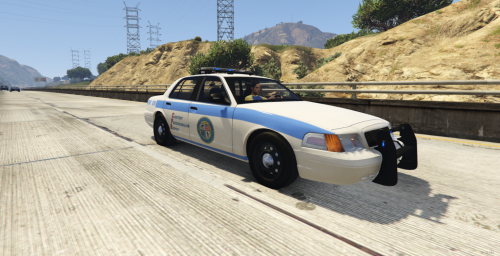 what's wrong?
 -
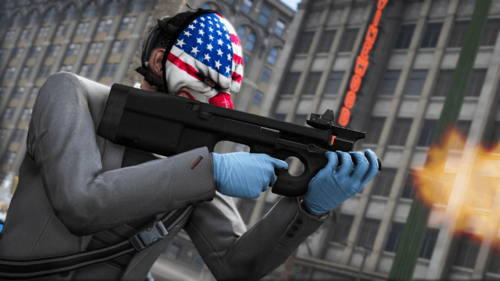 Make sure to join my DISCORD to check out some of my other projects and more releases 🙂 Thanks to crunchycat#1089 & 丂ιиριє#3802 for taking the screenshots. The clothes used in the screenshots were made by @Hanako. Custom Attachments: Suppressor Pretty optimized, entire gun & attachments are 3-4 MB Installation (SP): 1.Download the file 2.Replace the files in mods/update\x64\dlcpacks\patchday2ng\dlc.rpf\x64\models\cdimages\weapons.rpf\ Installation (FiveM): 1.Download the file 2.Drag the p90 folder in to resources 3. Add the line start p90 in server.cfg
 -
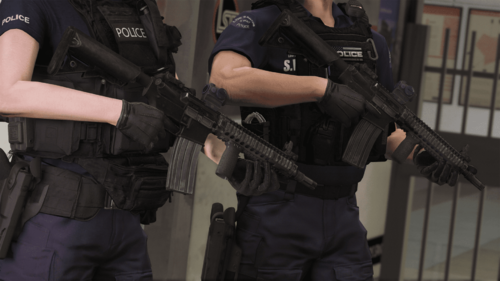 Make sure to join my DISCORD to check out some of my other projects and more releases 🙂 Thanks to crunchycat#1089 for taking the screenshots. The clothes used in the screenshots were made by @Hanako , definitely go check him out, he makes some amazing stuff. Custom Attachments: T1 Scope, RVG Foregrip Installation (SP): 1.Download the file 2.Replace the files in mods\update\x64\dlcpacks\patchday8ng\dlc.rpf\x64\models\cdimages\weapons.rpf\ Installation (FiveM): 1.Download the file 2.Drag the genericm4 folder in to resources 3. Add the line start genericm4 in server.cfg
 -
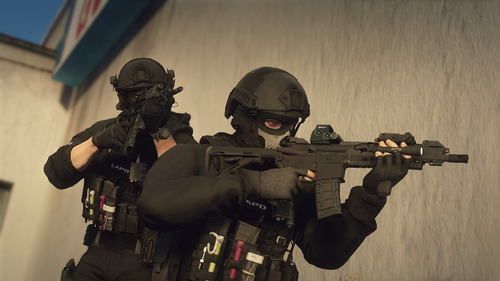 Make sure to join my DISCORD (https://discord.gg/CKJcRfH) to check out some of my other projects and more releases 🙂 If you find any bugs report them in the comments Installation (SP): 1.Download the file 2.Replace the files in mods\update\x64\dlcpacks\patchday8ng\dlc.rpf\x64\models\cdimages\weapons.rpf\ Installation (FiveM): 1.Download the file 2.Drag the sig516 folder in to resources 3. Add the line start sig516 in server.cfg How to install video by @MattyIsBall
 -
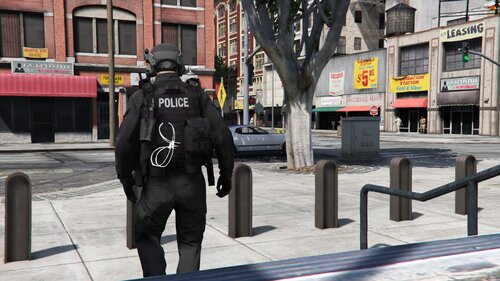 Install instructions: - Once downloaded, extract the file. - Open your EUP folder and go to "mp_m_freemode_01" - Drag and drop the files.
 -
-
-
-
-
-
-
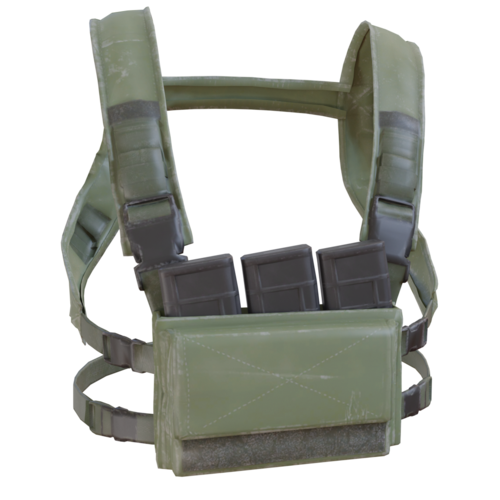
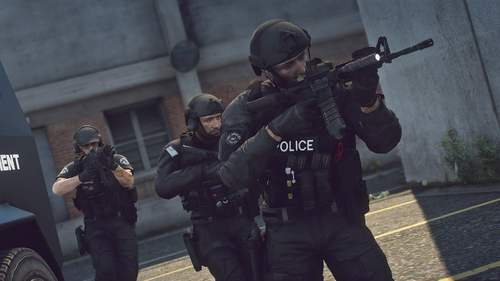 All of these vests are from Hussky9 / CG ARTStudio / Infinity Ward. All of them are listed in the credits.
- 45 comments
- 3 reviews
-
I'm not really sure about the chest mic and bodycam because Laggo already made those.
- 45 comments
- 3 reviews
-
Hello, I do have plans to make some smaller JPCs, they will be added soon. I might make a chest mic in the future, not sure yet tho.
- 45 comments
- 3 reviews
-
I tried moving them closer but when you move your character around ingame they bug out and glitch into the vest so they have to stay like this
- 45 comments
- 3 reviews
-
-
-
Yes. This is only the initial release. I will add A LOT more vests, belts, helmets & clothing in the future, I am already working on the new update which should be out in a few days. Yes.
- 45 comments
- 3 reviews
-
-
Make sure to join my DISCORD to check out some of my other projects and check out the new wips Installation: Using OpenIV go to "Grand Theft Auto V\mods\update\x64\dlcpacks\eup\dlc.rpf\x64\eup_componentpeds.rpf" Open the folder you downloaded and drag and drop the folders you want to use (mp_m_freemode_01, etc.) into the eup_componentpeds.rpf Versions: Don't ask me for the unlocked model, do not unlock the model yourself and do not sell or leak these files. You are allowed to edit the textures and upload them on websites like lspdfr and gta5mods but you cannot upload the YDD and you must put the link to this post in the description.
- 45 comments
- 3 reviews
-
-

-

- 13
-
-
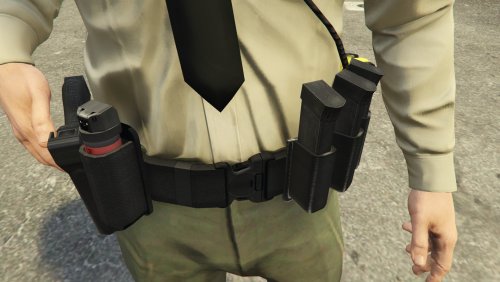
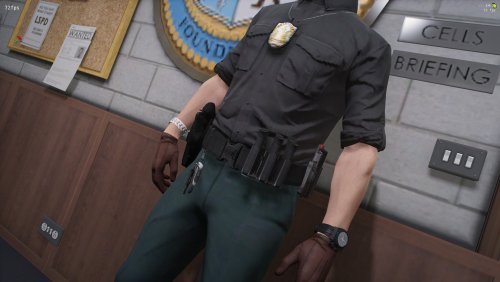 EUP - Custom Patrol Belt #1 ____________________________________ **Discord** - Make sure to join for wips, exclusive releases https://discord.gg/CKJcRfH ____________________________________ LSPDFR: 1) Start OpenIV and locate the following directory - \Grand Theft Auto V\mods\update\update.rpf\x64\eup\eup_componentpeds.rpf\ 2) Copy files into the corresponding folders eup_componentpeds.rpf ____________________________________ FiveM: 1) Drag & Drops the files into the following directory - /resources/eup-stream/stream/
 -
-
-
 fixed
fixed -
My discord: Discord Install instructions: - Once downloaded, extract the file. - Open your EUP folder and go to "mp_m_freemode_01" - Drag and drop the files.