


Nilske1987
Members
-
Joined
-
Last visited
Everything posted by Nilske1987
-
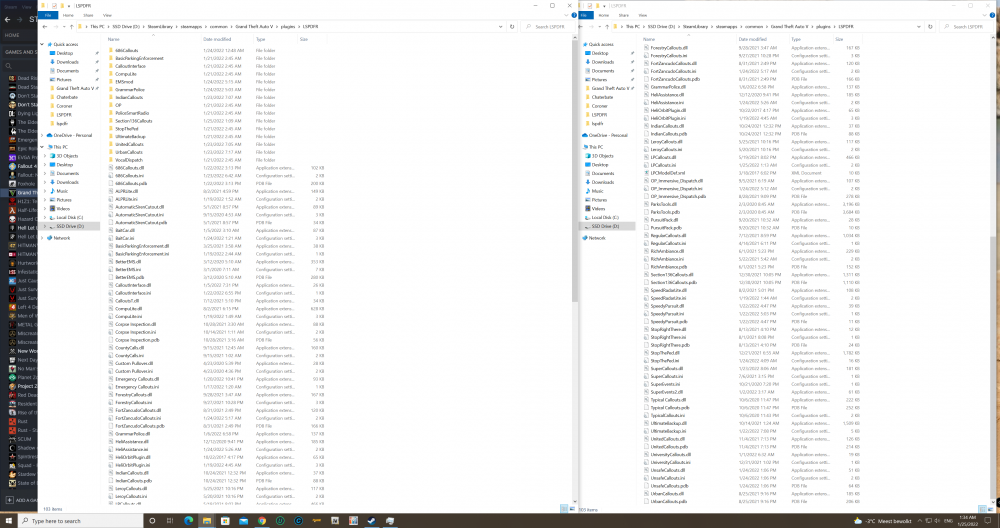
I don't know hard to tell but this is what I use without crash. maybe safes the hasle to test them all test only the ones I don't have if it stops crashing than voila.
-
Is it lspdfr only that crashes or do you have added plugins installed? also if you install lspdfr don't use the rage plugin that comes with it you can check the version by clicking on the rageplugin just download the latest and keep that one. I would say do manual install of lspdfr and then use new rageplugin. if it is the latest already remove everything in plugins exept the two LSPD First Response.dll and LSPD First Response.pdb out of plugins folder and test if it doesn't crash you know the culprit is infact in the plugins folder.
-
For me I use patchday 24 and I have no issues. Is it replace you are after?
-
 The car model is it the police slot or the actual car > so if its the car and I have a pack I need to do this for every car copy paste model and repeat ?
- 20 comments
- 1 review

