Kabanios
Members
-
Joined
Everything posted by Kabanios
-
Thank you very much officer!!!
-
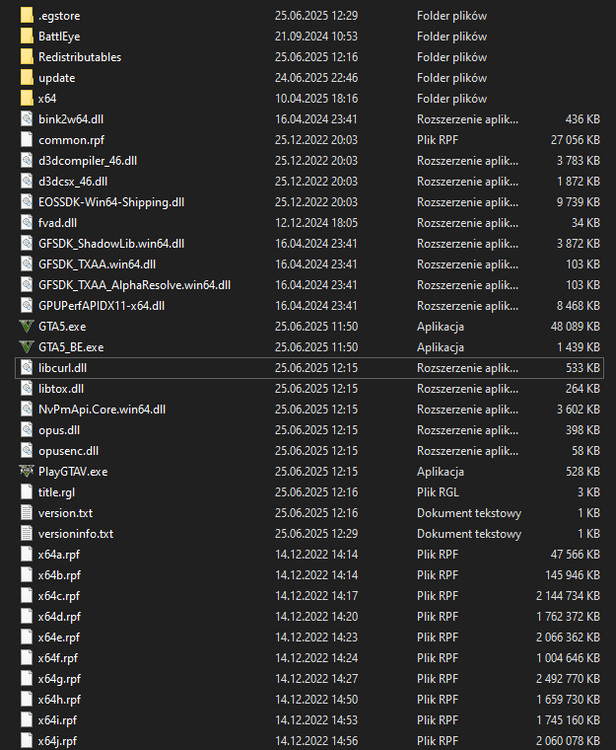
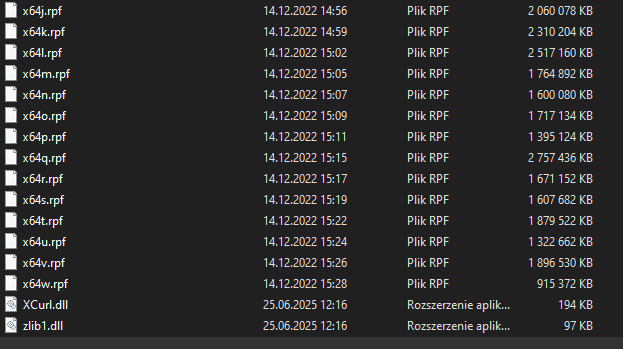
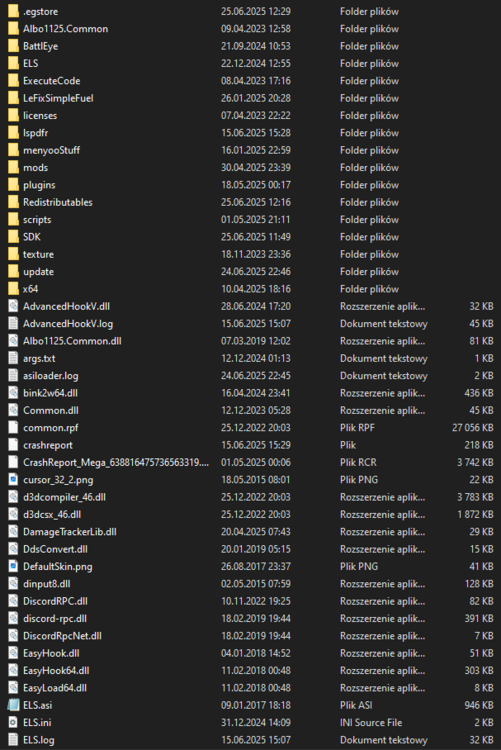
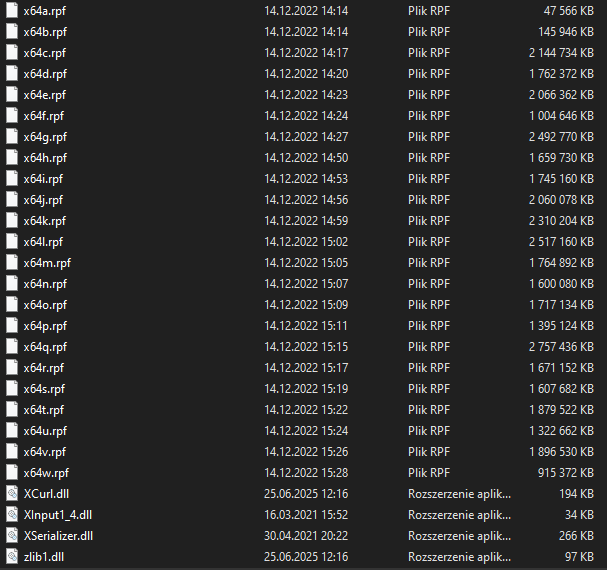
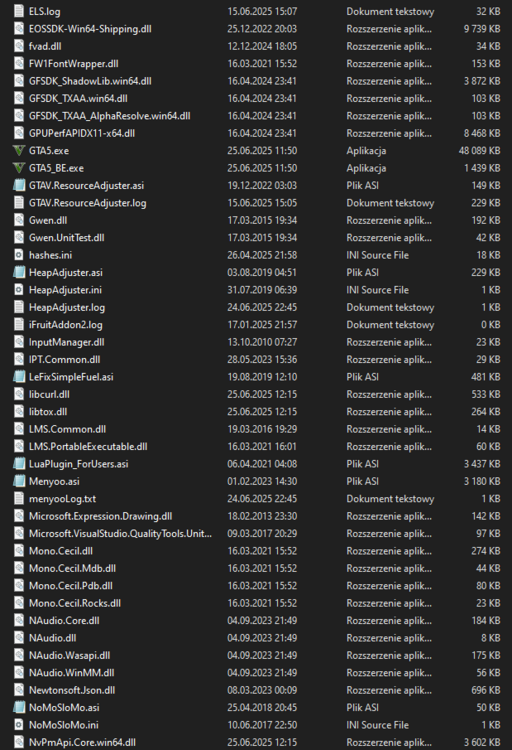
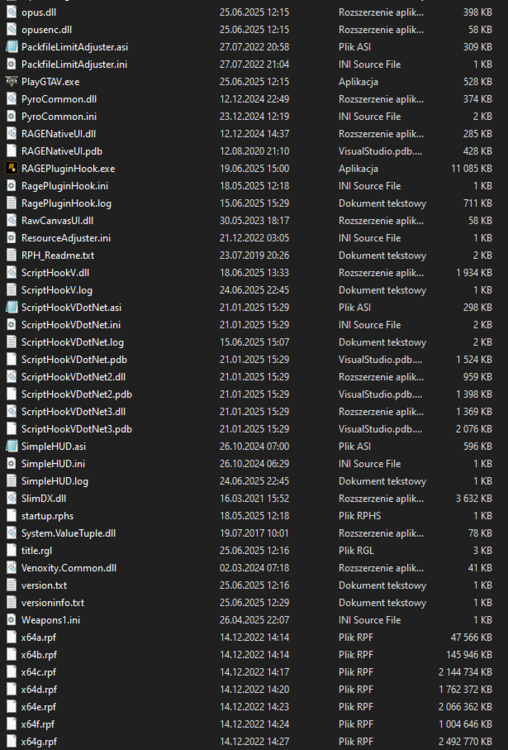
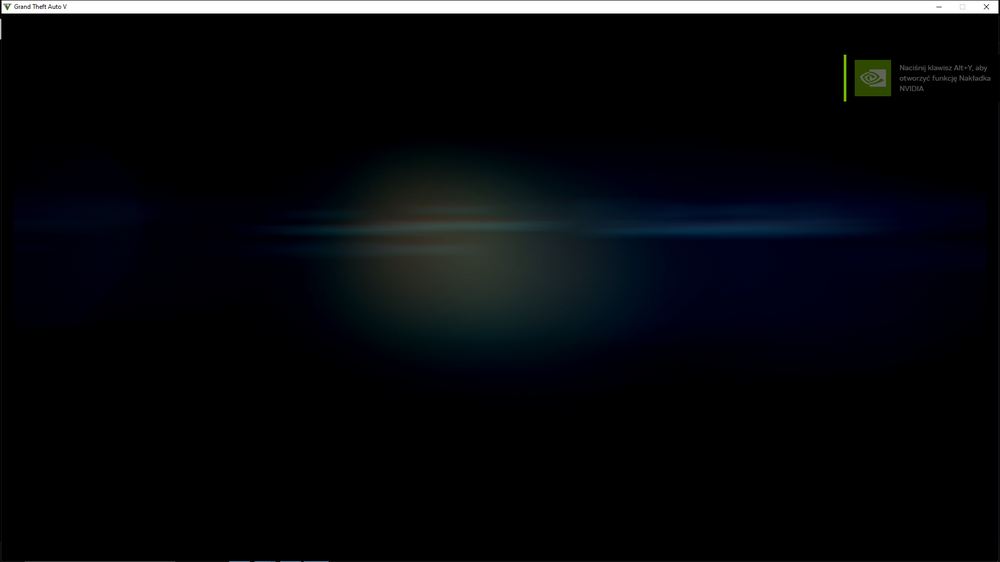
I'm having an issue with launching GTA V when using a modded version of the game. The clean, unmodified version runs fine — I will attach screenshots labeled vanilla to show the file structure of the working version + screen of the game. However, when I try to run the modded version, I get the following error: "Unable to launch the game. Please try reinstalling it." I will also attach sc shots labeled modded, showing all the modified files included in that version. Verifying the data doenst fix the problem
-
Hello, I recently installed a mod that changes the weapon model to a pistol in the MK2 version, but I have a problem because it shows 0/0 ammo. Does anyone have an idea how to fix it? I tried using Simple Trainer and Menyoo, but unfortunately, it didn’t help — or maybe I missed doing something specific. I would really like to fix this so I can use it while playing LSPDFR.
-
Thank you it worked ❤️
-
Hello fellow officers, Recently I came back to the LSPDFR however I didn't expect that my game will crash whenever I open RPH console using F4 key (Sometimes it opens, sometimes when I type a command it crashes and sometimes it work). I don't know why it happens but I can't figure out how to repair this.crash_report.txt I moved my mods folder, removed all lspdfr plugins but it still crashes. I'll put crash log fyi. I hope someone will help me. I've updated all script hooks, script hooks dot net etc.