Sate
Members
-
Joined
-
Last visited
Everything posted by Sate
-
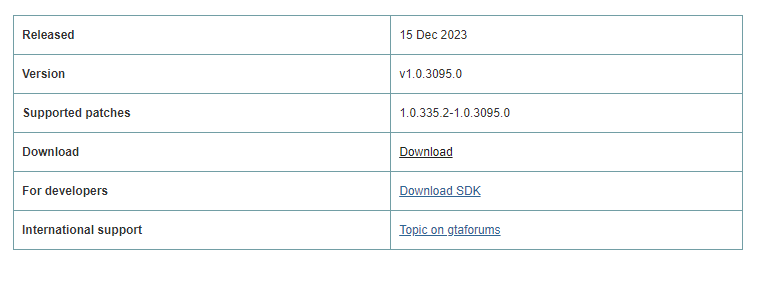
Not sure if any of the site owners/administrators are aware, but Script Hook V has been updated and the warning on the homepage is now outdated. 🙂
-
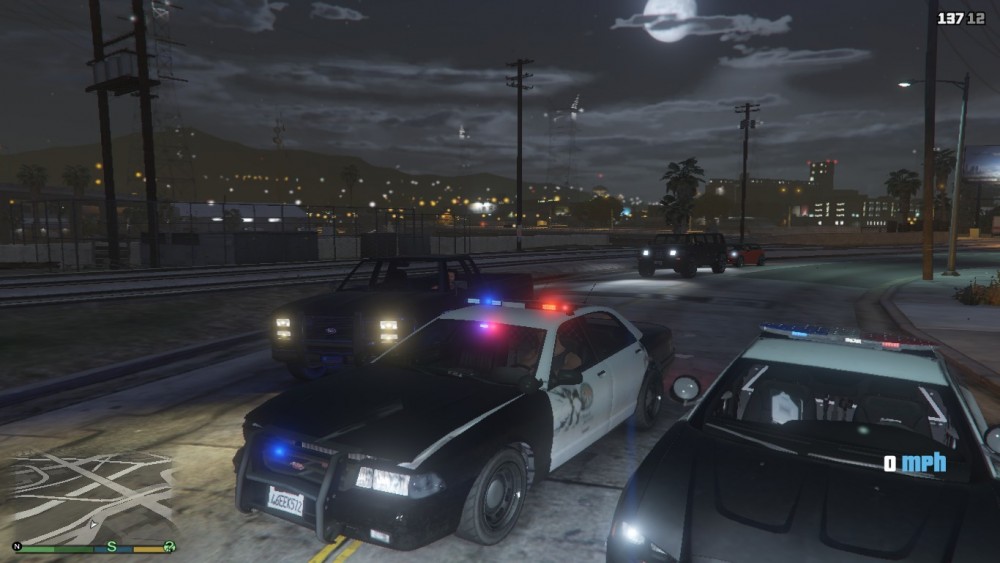
Trying to get LSPDFR working with my mod-set on my laptop for when I'm away from home. I've already spent hours Googling/looking through forums, so don't bother suggesting that, as I've already done it, and it's part of why I've decided to make a post. Now, on the left is your standard Police vehicle, and the lights are somewhat bright. On the right, however, is an ELS Dodge Charger, and, as you can see the lights are absolute f*cking garbage. I've tried Radiance V, Better Visuals, VisualV, and even a few lighting mods not listed on Lcpdfr.com, and they all have the exact same effect: F*cking nothing. MY POST FX, SHADER QUALITY ARE BOTH SET TO HIGH/ULTRA. (Just for those that will default to suggesting that) What in the shite am I doing wrong? Help appreciated, cheers. (Don't mind the graphics, the laptop isn't the best)