Nathan M.
Members
-
Joined
-
Last visited
Everything posted by Nathan M.
-
-
-
Edit: Nevermind, fixed. Forgot to turn post FX to ultra and shader to very high
-
So basically yeah.. I dont use radiance v or any of that. I only use NVR and its optionals. No lights mod because i manually edited them.
-
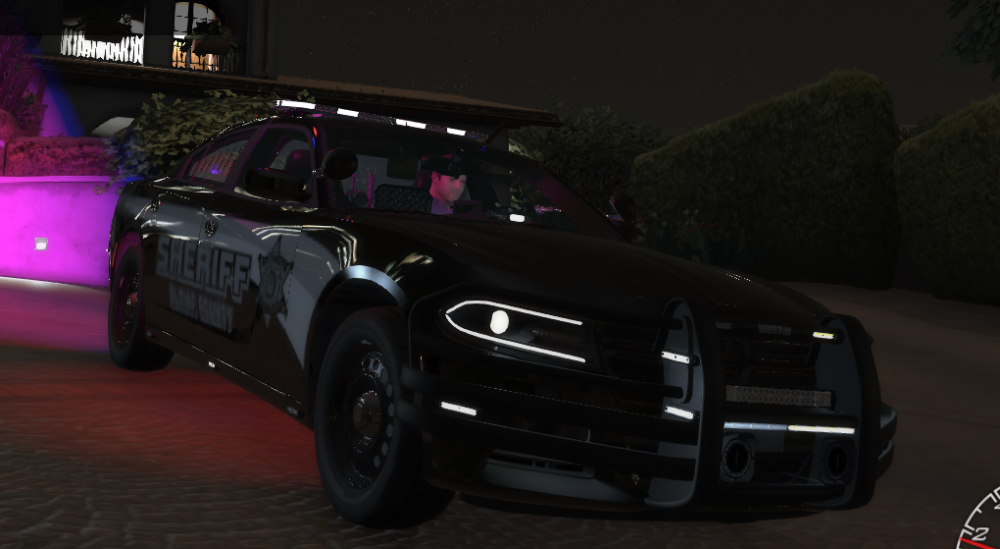
Everytime I shoot and drive I get major lag spikes. I actually made a backup of the vehicles.meta before i installed this and so I installed this got major lag when driving and shooting but then i reverted to the backup i made and it was completely fine. Maybe could you try to patch it or tell me what I can do to stop it, I really loved the charger, CV, and explorer sounds. please tell me
-
-
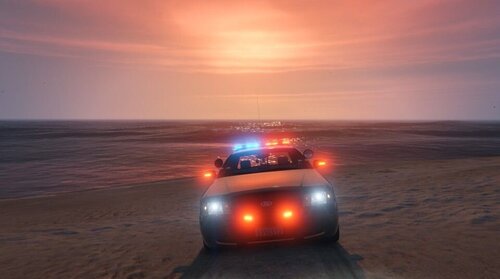 Where do I put all the the desktop.ini files into? do I put them into the game files or Also, when I yelp, the lights aren't all flashing at once, they are still doing the default light pattern
- 54 comments
- 5 reviews
-
Alright, I will try that. Now, what do you mean by ELO and RAS?