


NeonGame112
Members
-
Joined
-
Last visited
Everything posted by NeonGame112
-
So, I have been trying to get a couple addon packs to work in game (mainly Thero's Statewide pack) and have followed the instructions in the readme txt file and they just don't seem to want to work in game, I have other mods with dlc files in the dlc list that work (being map mods) and they load fine. I have got a modified gameconfig, packfile adjuster and heap adjuster all installed and they just don't load anything in game to do with the pack, both the replacements and the addon vehicles. Some help would be appreciated as I have been at this for 3 days now to no avail.
-
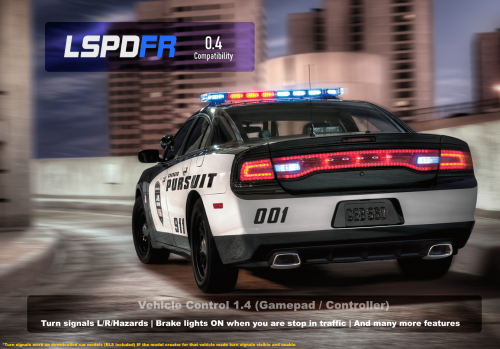 Use ELS. You can turn on sirens independently. J is lights and 1-9 are different sirens.
- 26 comments
- 12 reviews
