


AJDisNotMe2
Members
-
Joined
-
Last visited
Everything posted by AJDisNotMe2
-
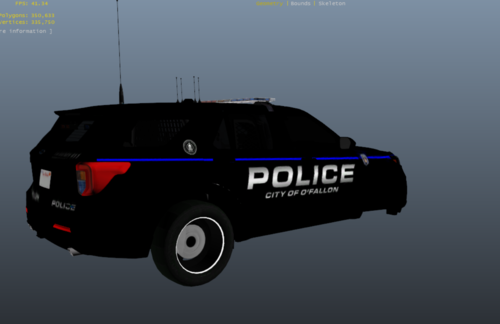 Coming from O'Fallon I was immediately intrigued. And after download, I have to say, very well done. the skins are quite symmetrical. I tried to make everyone of these skins (aside from the st peter's one) and failed pretty badly. So keeping that in mind i have to say its pretty solid. Four Stars, not five due to some small moving that needs to be done on the St. Charles skins. will be using these in singleplayer. (used with [ELS] LSPD Legacy Pack)
- 3 comments
- 1 review
-
