


jediboy48
Members
-
Joined
-
Last visited
Everything posted by jediboy48
-
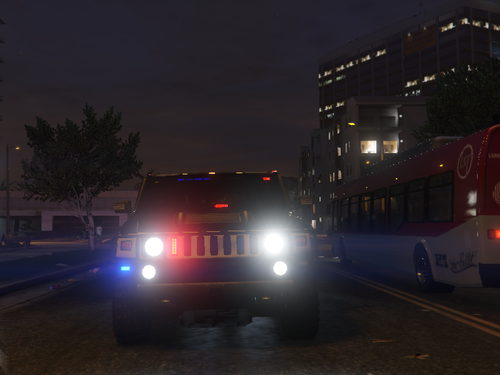 Excited for this, Thought it was an H1 hummer at first but H2's are the second best! Thanks for the model.
- 11 comments
- 1 review
-
 Damn, I just saw this and reading the comments makes me sad, lol but eventually we shall get one I saw on discord someone had a humvee with a bcso skin and so it made me go looking for one which led me here. anyways I have seen your past work and think this project will be super awesome anyways best regards!
 -
I am a student, so I get 3DS Max for free, but I cant even get zmodeler to work for me, I have not found ANY alternatives sadly, so I think the answer would be no.
-
I was very stupidly missing ScriptHookV, I thought I had it as the Trainer worked but it was not installed. I got it working now.
-
Hello, I have tried everyway I have seen and been told and can not get ELS working. List of things I have tried: - Reinstalling ELS - Reinstalling GTA - Reinstalling LSPDFR - Reinstalling ASI - Reinstalling OpenIV - changing keybinds - trying scr lk - trying different file locations and xml's. I am now out of ideas and can not get ELS to work at all. I can only hit e and get my wig wags on my rear to work. I will attach my ELS file to it as well. ELS.ini_TextFile.txt
