


ZacharyAllenReynolds
Members
-
Joined
-
Last visited
Everything posted by ZacharyAllenReynolds
-
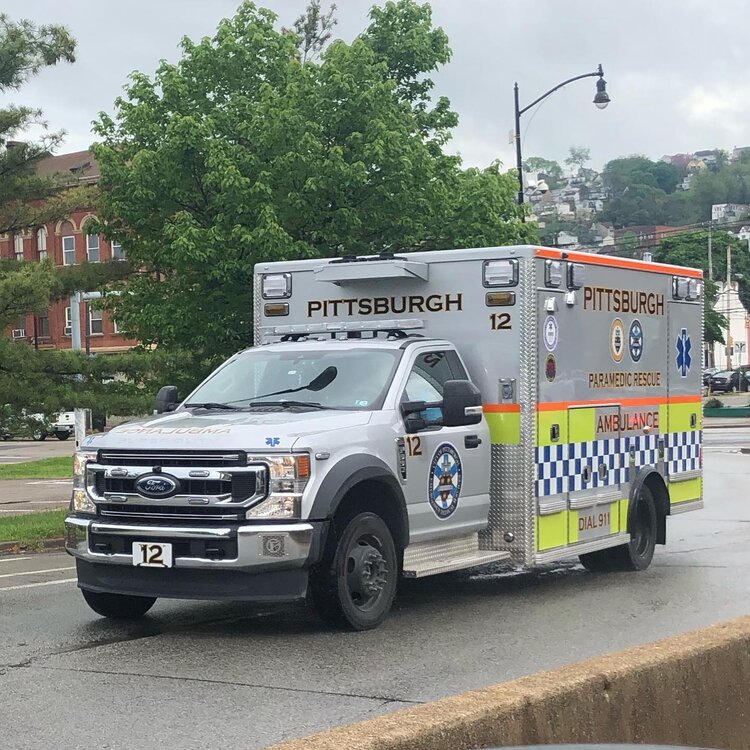
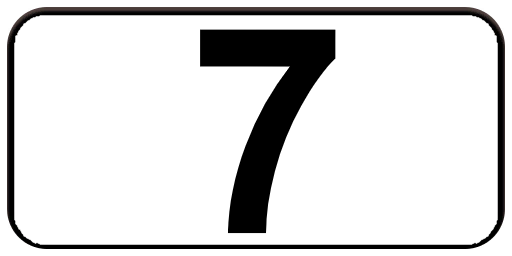
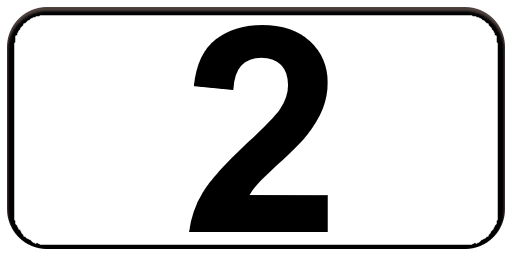
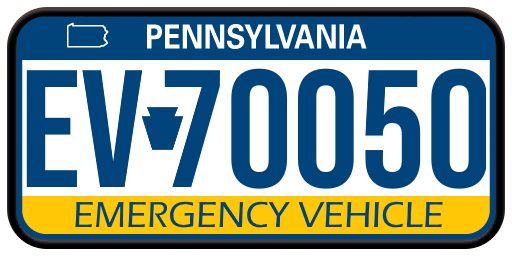
I am requesting a Pittsburgh EMS Ford F350 skin pack. The skins must say Pittsburgh Paramedic Rescue Ambulance, not Los Santos. And each skin must have the Medic Unit number. There should be a total of 13 skins, which are: Medics 1, 2, 3, 4, 5, 6, 7, 8, 9, 10, 11, 12, & 14. And this will be a what if scenario which sees Pittsburgh EMS have all Medic ambulances as Ford F350 ambulances & all of them use the livery shown in the uploaded pictures. Also I have the license plate & unit plates in pictures. The vehicle model mod to be used is: https://www.gta5-mods.com/vehicles/ford-f350-superduty-single-cab-ambulance-els
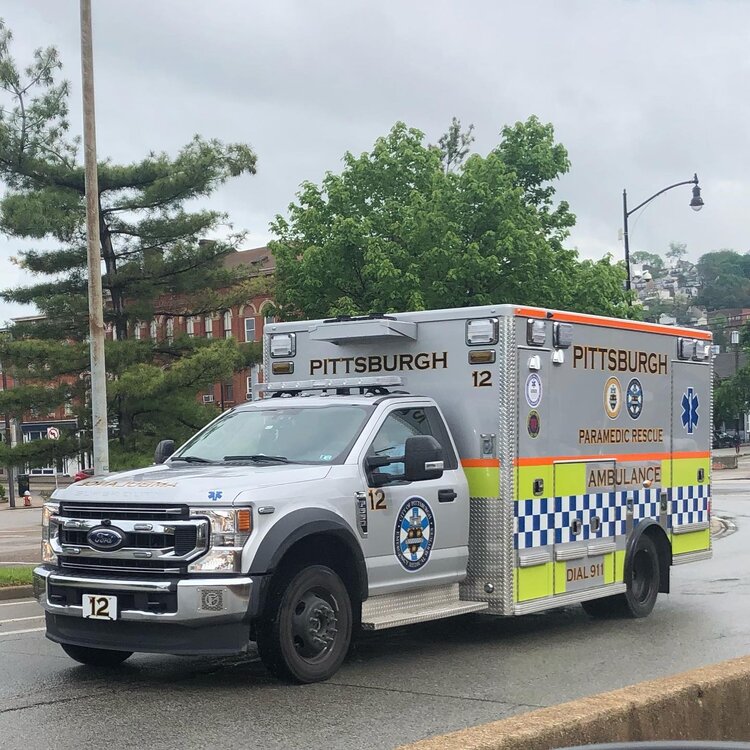
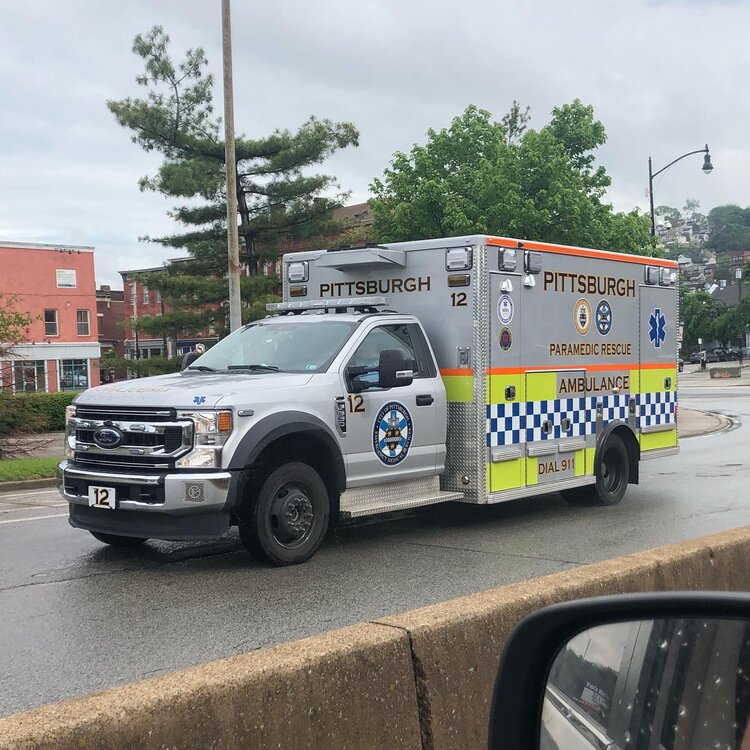
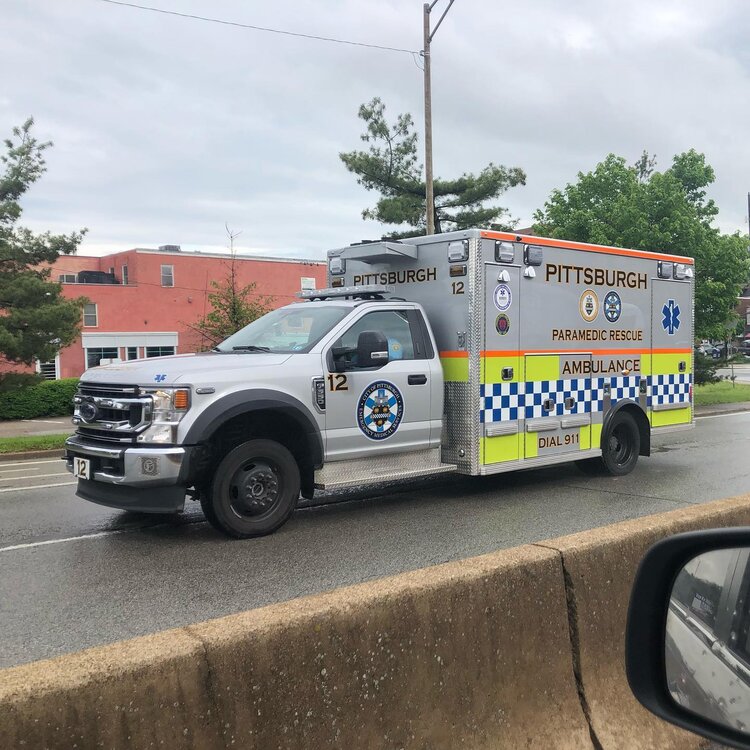
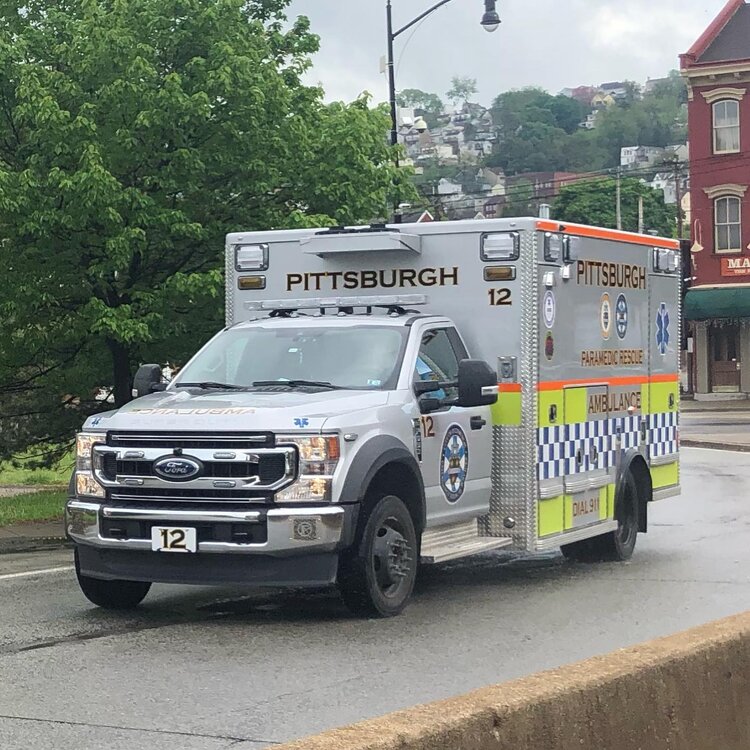











-
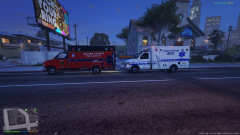 I would like to have these skins and model.



