RogueHogue
Members
-
Joined
-
Last visited
Everything posted by RogueHogue
-
 So far so great!! Glad to see some realistic scenarios for once! Keep up the great work.
- 255 comments
- 16 reviews
-
-

- 1
-
-
Are all of your plugins up to date? If not, get rid of everything that is below 0.4.
-
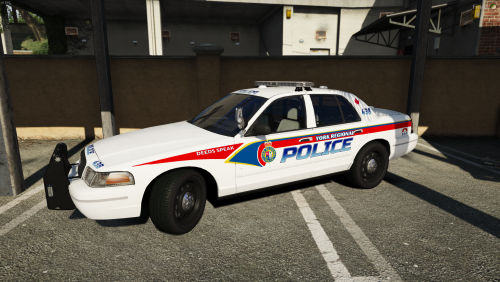
Both Sheriff2 and Police4 slots spawn with black windows and light bars. And yes, I replaced the vehicles.meta setting with <diffuseTint value="0x00FFFFFF" />. The trainer fixes the tint, but I still can't get it to load without the tint automatically. What do I do now? I've noticed other people having this issue lately, but no solutions.
-
How? I'm having the same issue.
-