


ItzBlizzit
Members
-
Joined
-
Last visited
Everything posted by ItzBlizzit
-
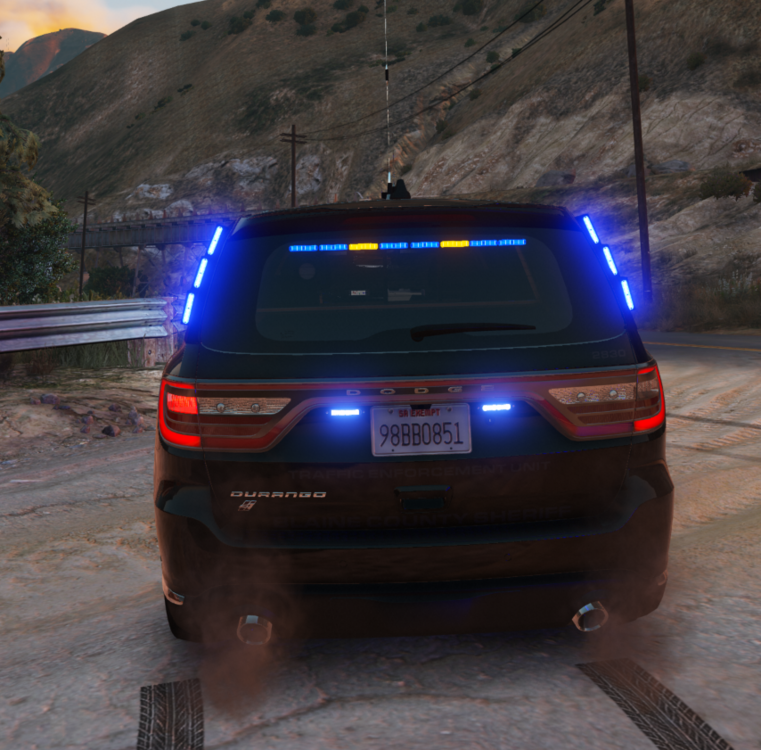
I was just wondering if it's possible to change only the left amber light on the back to be red, while keeping the right-side light amber. If this is possible and somebody could let me know which textures to edit that would be very helpful!
-
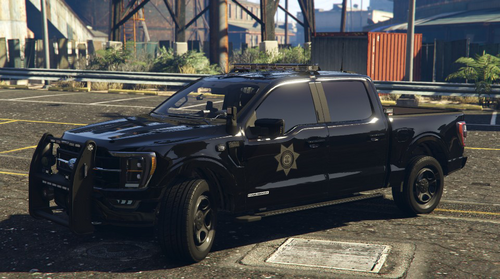 Any chance the reflections on the B&B models could be turned blue as well?
 -
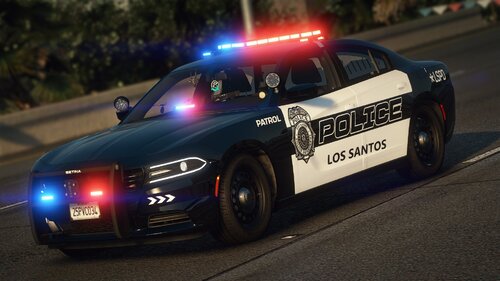 Am i the only one who absolutely cannot fix the handling for the 2018 charger no matter what I do? The body rolls and flips, no matter what handling I use (I've used sheriff, gauntlet, buffalo, police2 and police3) and none of them stop the car from flipping
- 76 comments
- 15 reviews
-
 I personally fixed this by replacing chgr_sign_2 with a fully black covered template instead of a copy of chgr_sign_1. this should make livery one the normal livery and livery 2 plain black
- 276 comments
- 46 reviews
-
I feel like for LSPDFR and GTA V in general, there are way too many of the tacti-cool vests and plate carriers instead of the ones that police will mostly actually use. If anyone could model a vest something like in the image below, that would be nice. The FiveM server I am apart of has been looking for a basic vest, and it would be extremely appreciated if anybody could model one for us and the rest of the LSPDFR and FiveM community. If possible, it would be nice to have one version with the taser and one version without depending on what belt we are using. Thanks!
-
-
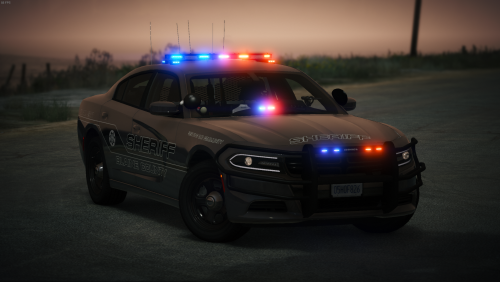 Would love to see this for FiveM. It fits the sheriff ped I have extremely well
- 127 comments
- 24 reviews
-
 How do you pick somebody up like in the first one? All I can do is drag... (with STP)
- 365 comments
- 20 reviews
-
.thumb.jpg.182dedb1a55dea252c1853d35d4d1e3c.jpg) My uniforms all look like this... I'm not sure what I did wrong. Can somebody help me with this? Thanks.
My uniforms all look like this... I'm not sure what I did wrong. Can somebody help me with this? Thanks.- 256 comments
- 29 reviews
-
Nevermind, I've figured it out. Just had to create a new mods folder!
-
Randomly when I loaded LSPDFR today (I have installed one mod, I launched the game and it worked. Later on in the day when I launched again, it didn't work.) I heard that this has something to do with Lenny's Mod Loader, but I installed that a little over a week ago and I've been able to launch RPH just fine until today. I have my log from it, which I attached. I've turned my timeout time or whatever up to 3000, didn't work. I'm not sure why the game has started acting up like this... Earlier today, verified my game files. Rebooted my PC. Turned off loading all peds by default. Absolutely nothing has worked. Is there something I can do to fix this? RagePluginHook.log
-
I know it's from cop holster and I have Stop The Ped so I'll try and see if my ADS stops breaking.
-
For some reason, I can't respond to any of the callouts. I start a callout in the F2 menu, press Y, and nothing happens. What can I do to fix this?
- 365 comments
- 20 reviews
-
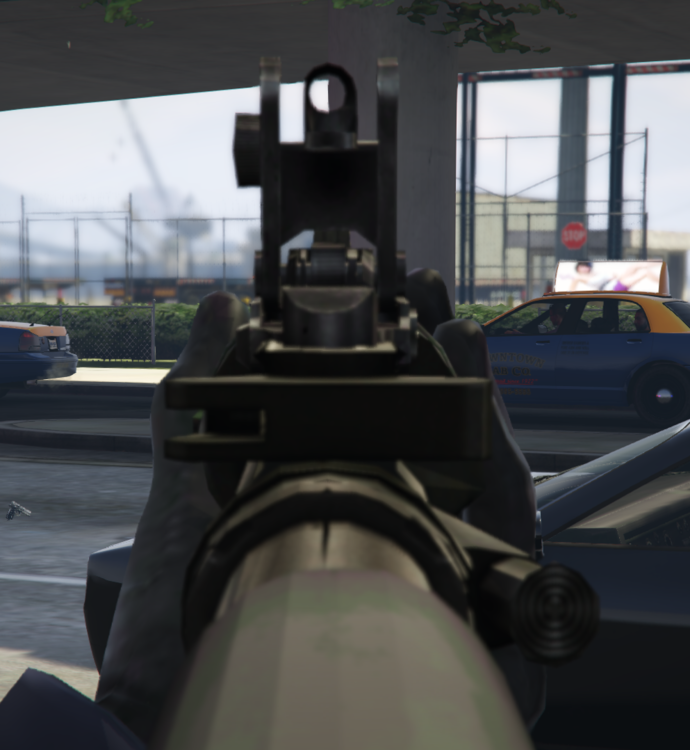
I've been having this issue for a WHILE now where there's a random chance while escorting somebody that my hand will go inward so I'm not holding the suspect properly (it stays like this until I restart my game) and my ADS (aim down sights) on every weapon becomes broken so it's lined up lower. This could possibly be something to do with Cop Holster, but I don't know. Is anybody else having this issue? How do I fix it? Please help me figure this out, thanks

-
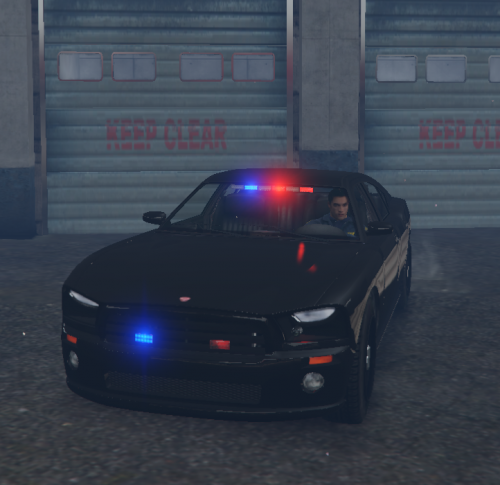 I've been having a problem with this callout, specifically with the "Wanted Person" call. Most of the time, it works, but if I run towards a suspect, it crashes my LSPDFR plugin. Is there anything I can do to fix this, or is this just a glitch?
- 204 comments
- 22 reviews
-
Modern Siren Pack
-
For some reason, this does not download for me. I've tried 7-Zip and WinRar to install it, and I've followed all the steps. I tried the galls, federal, and motorala siren packs, and none of them worked. Can somebody please help me with this?




.thumb.jpg.182dedb1a55dea252c1853d35d4d1e3c.jpg)


