


ChaoticNyte
Members
-
Joined
-
Last visited
Everything posted by ChaoticNyte
-
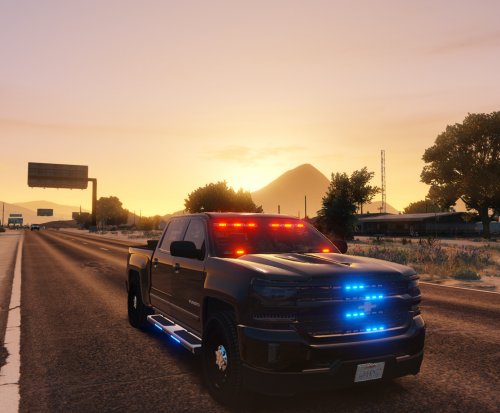 its a FiveM resource, there is no actual installation. You drag and drop the folder into your resources folder of your server add the start 17Silverado_JoshM line to your server.cfg and restart server or just start the resource. Now, if your using police jobs or other scripts to utilize custom vehicles you will have to add that info into the script itself. I work as a dev for a fivem server and we have all custom vehicles for our LEO / EMS fleets. I have spent numerous hours doing textures etc. LOL Glad I could help!
- 57 comments
- 3 reviews
-
If you haven't solved the paint issue, its easy to fix if you have Open IV and some sort of paint program. Start Open IV, make sure you have the files in a mod or extra folder in open iv, start edit mode, open the 17silver.ytd and find the mcmods_sign_1 line and export it. Open that file in whatever paint program you use and you'll see that same shape on the layer. Simply drag your selection box around it, hit delete. It should disappear. Save..go back into Open IV, click replace, navigate to that file hit save. Voila. Done.
- 57 comments
- 3 reviews
