TacoFish1260
Members
-
Joined
-
Last visited
Everything posted by TacoFish1260
-
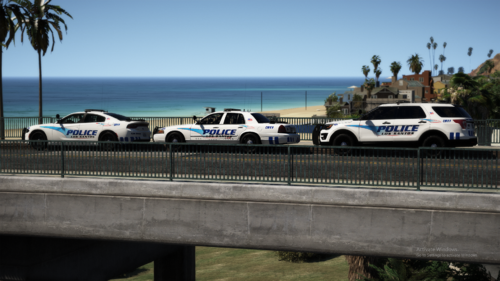 Amazing pack. The dev made it super easy to install and provided clear instructions.
- 66 comments
- 19 reviews
-
My LSPDFR also crashes when I go on duty, and grammar police also is the problem for me. I usually go in the police station, and wait about 1-2 minutes before clicking go on duty. See if that will solve your problem.
-
 Any way to download these cars?
 -
-
I have just updated to LSPDFR 0.4.2. Everytime I load up LSPFR using rage plugin hook, it loads perfectly, but once I get to the black screen saying "Loading LSPFR", it crashes. In the RPH log, I identified the crash being from LSPDFR sync. It says failure to load two of my LSPDFR charecters. Rage Plugin Hook log is attached, please help. I have moved back to 0.4.1, but this is still a problem if I update the game to 0.4.2 RagePluginHook.log