


alexnicolae007
Members
-
Joined
-
Last visited
Everything posted by alexnicolae007
-
-
 sEbi3, at K9-Backup I got to the officer and the suspect's vehicle was a plane. Please patch this. Also sometimes you can arve without a dog.
- 642 comments
- 53 reviews
-
In LSPDFR 0.4.7. if you go on duty and want to select SASPA vehicles you will notice that SASPA vehciles are noqere to be seen. Only if ypu go on duty as SASPA u can chose SASPA vehicles (the prison bus) and even then if u start scrooling through the different agencies you will notice that againt the SASPA vehicles are nowere to be seen.
-
If yes upload to mega or send it to me somehow. Thank you
-
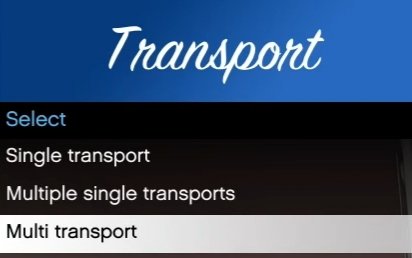
I found this in an older video:
-
My chrome antivirus says that I must delete this file

