3X21
Members
-
Joined
-
Last visited
Everything posted by 3X21
-
Hm, I will try to reinstall LSPDFR, maybe it will work? Hm
-
Before, just a notification would pop out which would say "LSPDFR has crashed" and stuff like that. But now, it just freezes the whole GTA 5, and I don't know what is causing it, hm.
-
It is not an issue of my anti-virus either, I have it disabled and windows defender is disabled either so..
-
I will try out plugin threshold. Also, I do not have anti-virus @tignifWell yeah, everything it fixed is just the notification not popping out since it just froze. I guess it didn't fix the issue, hm.
-
bump
-
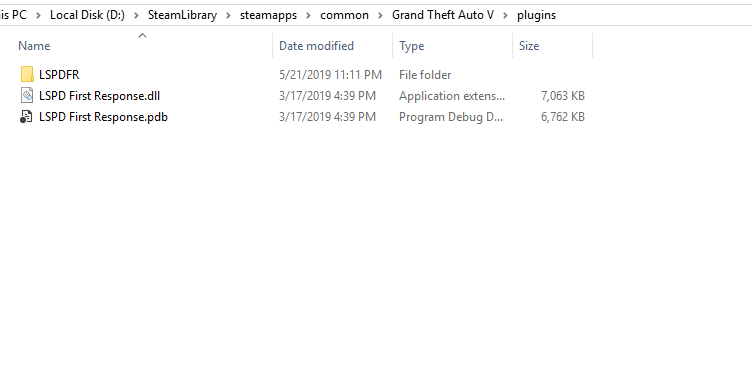
Greetings, I encountered a strange crash while loading the plugin, I tried everything but it just won't work correctly. I ran LSPDFR Troubleshooter, and it fixed all of the errors... but it still doesn't work. I do not really know what is wrong, and what should I do. RAGE Plugin Hook is working just fine. I attached the logs, unsure if I attached it correctly. RagePluginHook.log Edit: LSPDFR is basically... should I say... raw? I do not have anything in LSPDFR that is used for the "Addons" I guess?