



Dreyfus
Members
-
Joined
-
Last visited
Reputation Activity
-
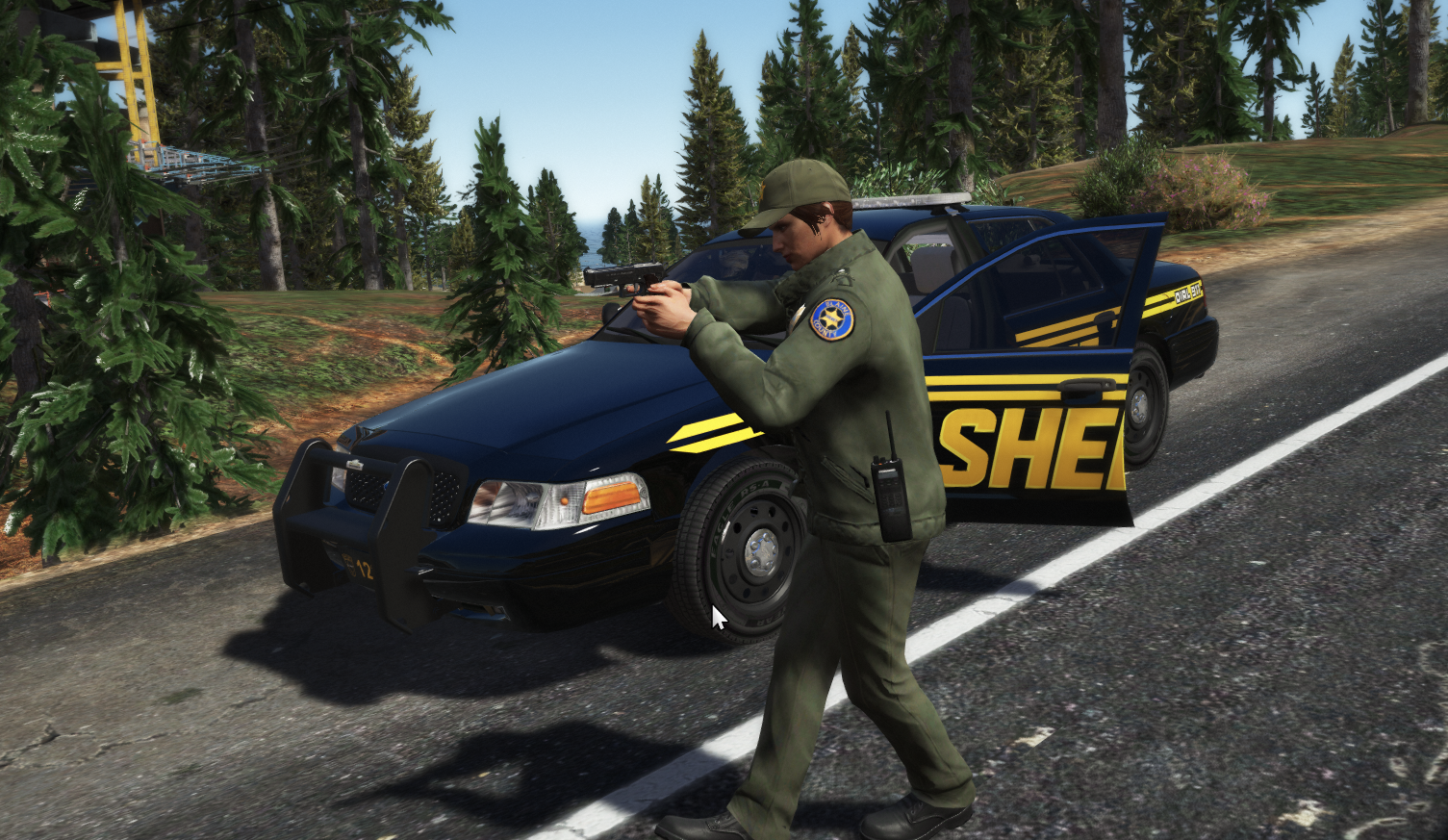
 Dreyfus reacted to Mikofiticus for a file, Paleto Bay - EUP RetextureThis is my first ped re-texture, and I wanted to share it. The patches are hard to place, so they might still be a little wonky.
Anyway, these textures add Paleto Bay officers to EUP. They are based off of Olanov's Tri-City officers specifically. I thought they went well with BxBugs' Paleto Bay liveries as well.
It adds a short sleeve for male and female, a long sleeve with tie for male and pants for both.
Please read the readme for installation instructions.
I've also included edits of the livery for BxBugs' CVPI and Charger and Gump's COBRA Tahoe.
DO NOT UPLOAD THESE ANYWHERE ELSE, OR WITHOUT MY PERMISSION
EDITING IS ONLY FOR PERSONAL USE, DO NOT REUPLOAD WITHOUT MY PERMISSION
Thanks to BxBugs and Alex for letting do some editing!
