


XNeoX
Members
-
Joined
-
Last visited
Everything posted by XNeoX
-
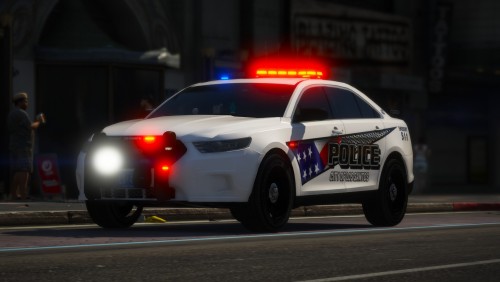 This pack is my definitely my favorite, the liveries are awesome, the handling lines a great for a keyboard user like me, the ELS setups on on the vehicles are amazing, 11/10, PLEASE make a BCSO pack so I can complete the whole fleet!
- 37 comments
- 24 reviews
-
-

- 1
-
-
(UPDATE) finally found the solution, had to reinstall OpenIV.asi and ASI Loader and Restart my computer which finally solved it,
-
I recently ran into a problem with ELS where no emergency lights on any of my vehicles work, the weird thing is that only the Wig-Wag lights on the front and tail lights of my vehicle work. This problem seemed to have occurred right after installing a new vehicle pack, but the vehicle pack doesn't seem to be the problem because the ELS on the previous vehicles I already had installed broke too. I have absolutely no idea on to fix this problem. TIA.
