



Jack Harn
Members
-
Joined
-
Last visited
Everything posted by Jack Harn
-
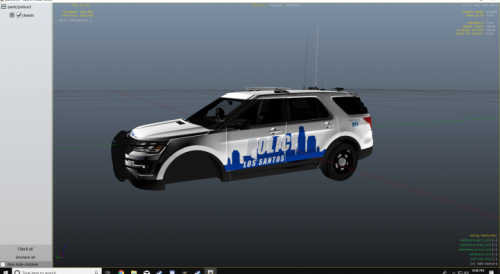 Yes! I am very aware of the tragedy that occurred Saturday Night involving both of those officers. My heart goes out to the family of Sgt. Kelvin Ansari. I will begin work on those models as soon as tomorrow and plan to have them finished by either this weekend or sometime in the following week, as they take a while to develop. Please let me know if there is anything else that I can do to help you guys out! *I may also do Chatham County Sheriff as a bonus with their “new” livery in a mini-pack soon too*
 -
Yeah I never really cared for the SCMPD livery, but their saving grace was the good ole' CVPI. Thanks for the comment!
-
MEANT FOR USE WITH Hurk's FPIU Template!! This is NOT my model, but here is the ORIGINAL! First model ever, so any feedback is greatly appreciated! I live in Savannah and have never seen a texture made for any vehicle that resembles Savannah PD.

