




bevarnow
-
Joined
-
Last visited
Everything posted by bevarnow
-
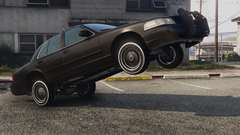
From the album: FiveM Adventures
-
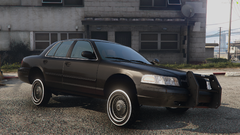
From the album: FiveM Adventures
-
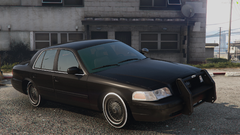
From the album: FiveM Adventures
-
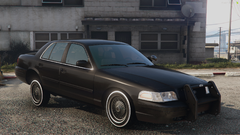
From the album: FiveM Adventures
-
From the album: FiveM Adventures
-
From the album: FiveM Adventures
-
From the album: FiveM Adventures
-
-
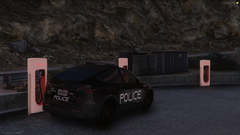
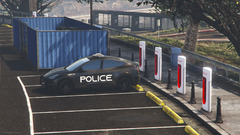
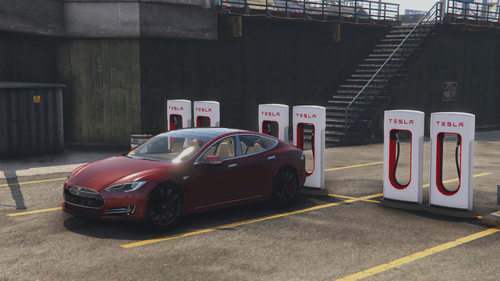 Good morning, these are Tesla Super Charger's located at 5 differnt locations around the map. The locations are as follows: - Maze Bank Arena - 8 - Del Perro Pier - 6 - Rockford Hills/Burton - 6 - Palmer-Taylor Power Station - 4 - Willie's - 5 At night the logo lights up, not too much. But it is noticeable. There also a Coil version of these Super Charger's for muh lore. The emissive for the night looks weird, I'm not fixing it. I'm not sure what version of Super Charger this is exactly, but I think it is V3. So these ones have somewhere a credit card reader on them and allows for non-Tesla's to charge with them. Something something I don't care for your opinions on EV's. Currently there is not a singleplayer version, if someone makes one please feel free to message me and I'll include with the download. Original Model by codexito on Sketchfab. https://discord.com/invite/wTuE3p3 or http://chriscatalog.shop/ 2nd of April, 2024
 -
From the album: FiveM Adventures
-
From the album: FiveM Adventures
-
From the album: FiveM Adventures
-
From the album: FiveM Adventures
-
From the album: FiveM Adventures
-
From the album: FiveM Adventures
-
From the album: FiveM Adventures
-
From the album: FiveM Adventures
-
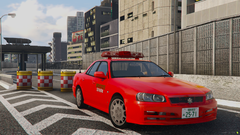
From the album: FiveM Adventures
-
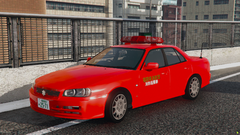
From the album: FiveM Adventures
-
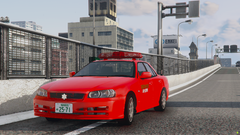
From the album: FiveM Adventures
-
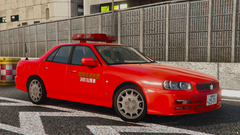
From the album: FiveM Adventures
-
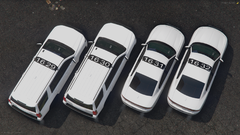
From the album: FiveM Adventures
-
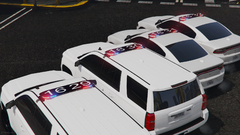
From the album: FiveM Adventures
-
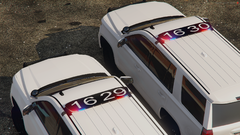
From the album: FiveM Adventures
-
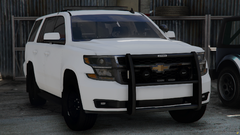
From the album: FiveM Adventures



