




bevarnow
-
Joined
-
Last visited
Everything posted by bevarnow
-
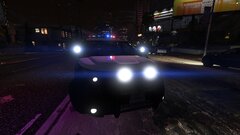
From the album: FiveM Adventures
-
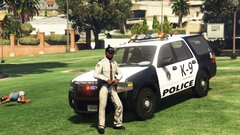
From the album: FiveM Adventures
-
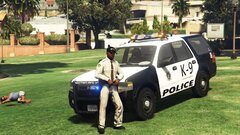
From the album: FiveM Adventures
-
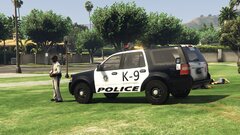
From the album: FiveM Adventures
-
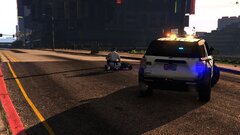
From the album: FiveM Adventures
-
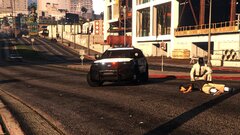
From the album: FiveM Adventures
-
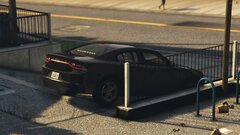
From the album: FiveM Adventures
-
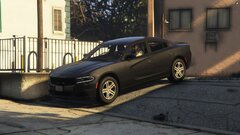
From the album: FiveM Adventures
-
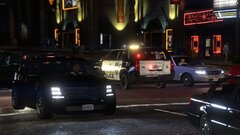
From the album: FiveM Adventures
-
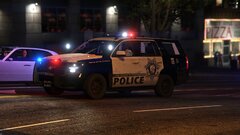
From the album: FiveM Adventures
-
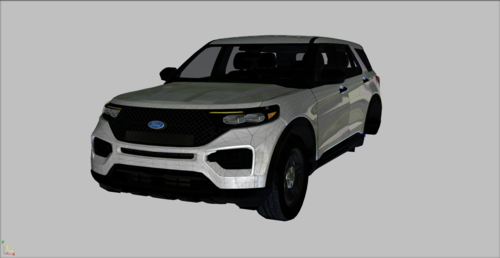 Thanks. Was debating what 2020 to use for a project of mine
 -
 I'm not sure then, try searching it up on YouTube
 -
Try adding the archive to your mods folder if you havent already
-
Just look up cs1_16_police_building in OpenIV, remember to make backups!
-
As of a few days ago, yes.
-
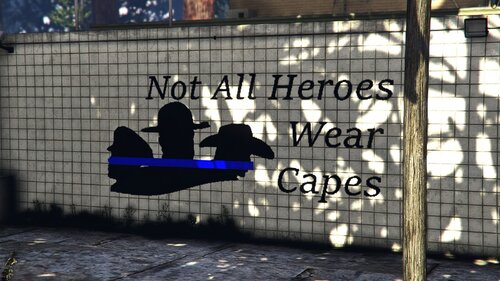
Howdy, I present to you this mural located on the side of the Paleto Bay Sheriffs Office. Now this should work for both SP & FiveM, and if you have a custom Sheriffs Office that has the same building, it should work. I highly recommend you watch this video on how to replace textures, it does a better job explaining it than I would.
-
From the album: FiveM Adventures
-
From the album: FiveM Adventures
-
From the album: FiveM Adventures
Thanks Miike -
Howdy, so for the past month or So I've had a problem where I've been unable to upload anything. I'll put in my file into thing that says put your file into it, it'll finish. I then press Upload/Save (I cant remember what it is). it errors, takes me back to the top of the page, then restarts the upload. I've been upload Dev Parts and YMAPs, maybe because they're smaller file size. But I only have this problem with Vehicle Uploads. Kiitos, Edit: Figured out why I couldn't upload. I was tagging FiveM with what the file was compatible with, apparently the tag was removed and I never realized
-
From the album: FiveM Adventures
-
From the album: FiveM Adventures
-
From the album: FiveM Adventures
-
From the album: FiveM Adventures
-
From the album: FiveM Adventures


