




bevarnow
-
Joined
-
Last visited
Everything posted by bevarnow
-
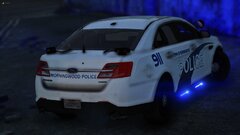
From the album: FiveM Adventures
-
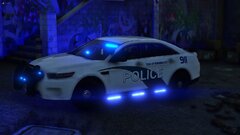
From the album: FiveM Adventures
-
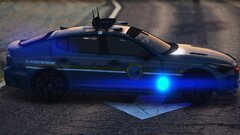
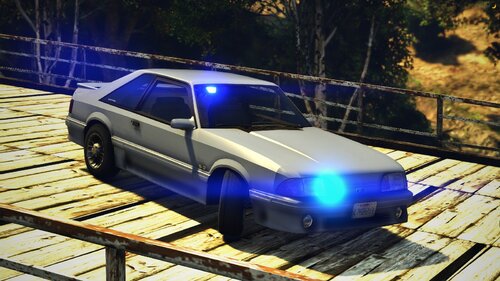 Howdy! Heres a Retro Styled Ford Foxbody! The front lighting is based on KSP, when they operted SSPs. Made cause I found the base. If the Lights are too bright for you, edit the Intensity/Size/Pull in the carcols. LOwering them fixes them. Feel free to convert to B/B, A/P. Just please don't reupload it and claim it as yours. The car does not have a Template. But if enough ask, I'll probably make one Join my Discord!: https://discord.gg/wTuE3p3
 -
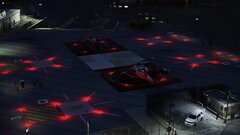
From the album: FiveM Adventures
-
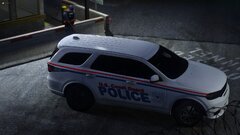
From the album: FiveM Adventures
-
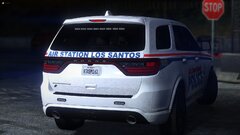
From the album: FiveM Adventures
-
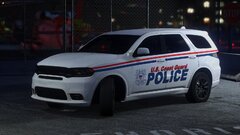
From the album: FiveM Adventures
-
From the album: FiveM Adventures
-
From the album: FiveM Adventures
-
From the album: FiveM Adventures
-
From the album: FiveM Adventures
-
From the album: FiveM Adventures
-
From the album: FiveM Adventures
-
-
From the album: Chevy Caprice Development
-
.jpg.9b08f491acbc1c2c45a6d784926c0704.jpg)
From the album: Chevy Caprice Development
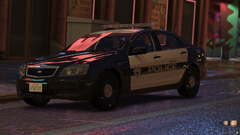
A IN-Game test of the Caprice to find issues. -
.jpg.3eef0cb524ac30131d7dc6a567021791.jpg)
From the album: Chevy Caprice Development
-
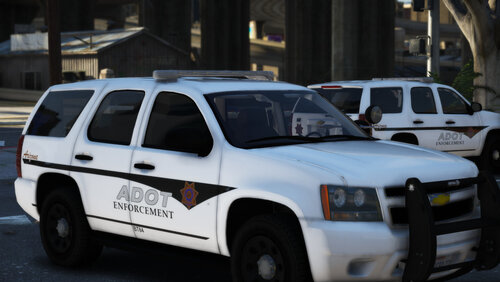 Hey bud! What Lightbar is the Tahoe in your screenshots?
 -
From the album: Chevy Caprice Development
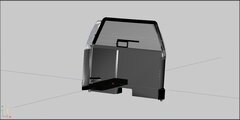
In Addition to some Exterior Accessories, you'll also get some Interior Equipment! -
From the album: FiveM Adventures
-
From the album: FiveM Adventures
-
From the album: FiveM Adventures
-
-
From the album: Chevy Caprice Development
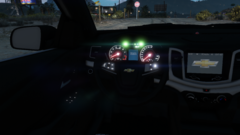
The Steering Wheel all lit up! -
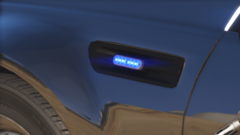
From the album: Chevy Caprice Development
The Sidekick with a Fitted ION.

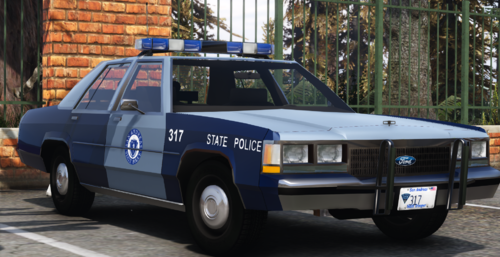
.jpg.9b08f491acbc1c2c45a6d784926c0704.jpg)
.jpg.3eef0cb524ac30131d7dc6a567021791.jpg)

