bevarnow
-
Joined
-
Last visited
Everything posted by bevarnow
-
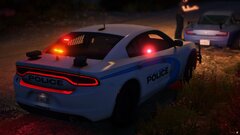
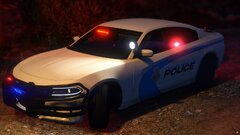
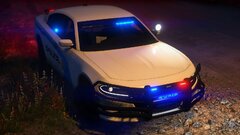
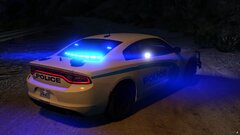
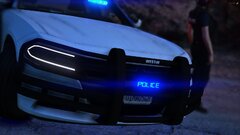
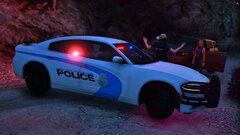
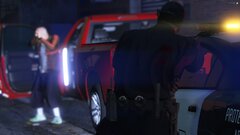
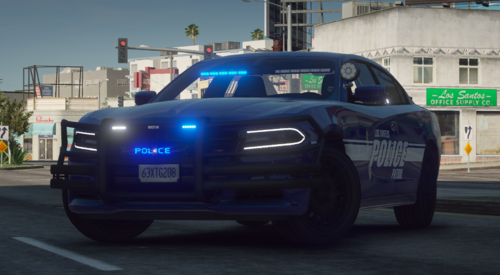 Howdy! Heres a 2018 Dodge Charger with a Messgae Board on It! Probably one of my favorite cars I've made, its loosely based on the Georgia State Patrol. In addition to the Land Act Reservoir Police Skin, there is a LSPD one with a Corresponding Message board. Just replace the texture sin either the B/B or R/B Versions. If you want to make a skin it, feel free. Just don't reupload and claim it as yours. Also feel free to convert to A/P, R/R. Just please reupload and claim as yours. Also Thanks @AlphaIrish13 for the PD Skin! Also editing the message board. Just dont the texture, and replace with a Tech type font roughtly over where the current ones are. Join my Discord!: https://discord.gg/wTuE3p3
 -
From the album: FiveM Adventures
-
From the album: FiveM Adventures
-
From the album: FiveM Adventures
-
From the album: FiveM Adventures
-
From the album: FiveM Adventures
-
From the album: FiveM Adventures
-
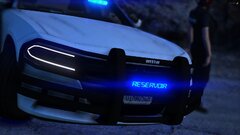
From the album: FiveM Adventures
-
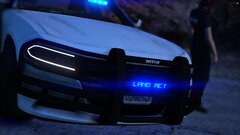
From the album: FiveM Adventures
-
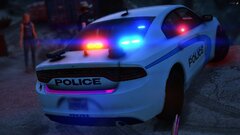
From the album: FiveM Adventures
-
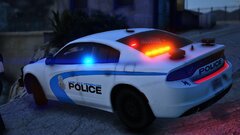
From the album: FiveM Adventures
-
From the album: FiveM Adventures
-
From the album: FiveM Adventures
-
From the album: FiveM Adventures
-
From the album: FiveM Adventures
-
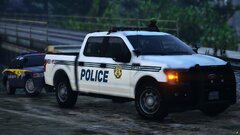
From the album: FiveM Adventures
-
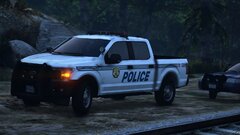
From the album: FiveM Adventures
-
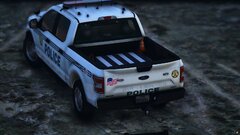
From the album: FiveM Adventures
-
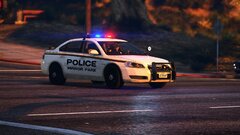
From the album: FiveM Adventures
-
-
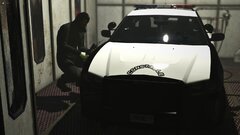
From the album: FiveM Adventures
Cypress Flats Constable getting some Livery Work -
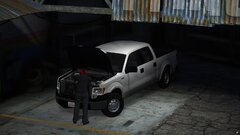
From the album: FiveM Adventures
Side Project I'm working on. Converting GeorgieMoons F-150 from IV-V. -
From the album: FiveM Adventures
-
From the album: FiveM Adventures
-
From the album: FiveM Adventures